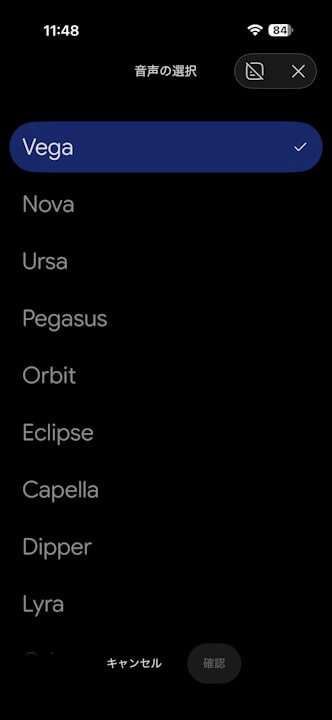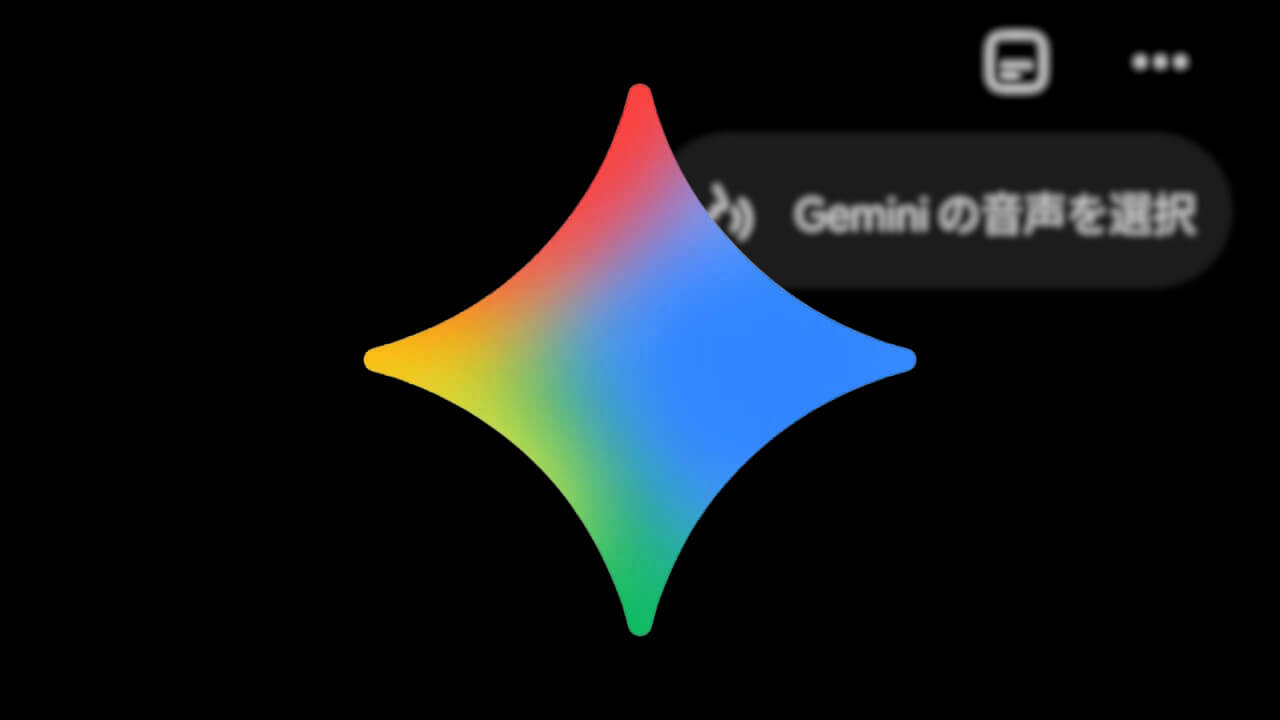

- A new “Voice Selection” shortcut has been added to the real-time conversation feature “Gemini Live” as of mid-June 2026.
- You can now easily change voices.
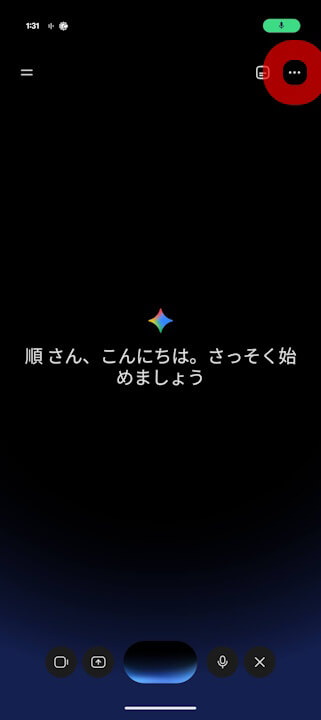
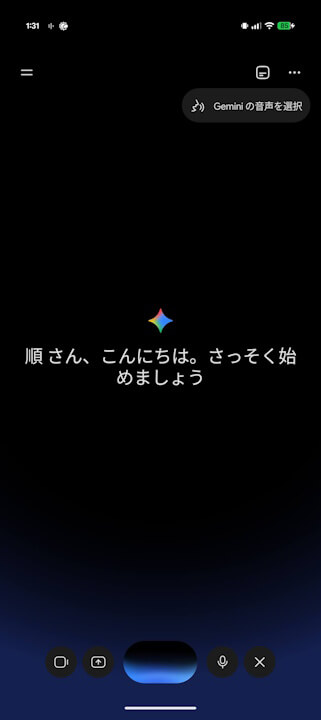
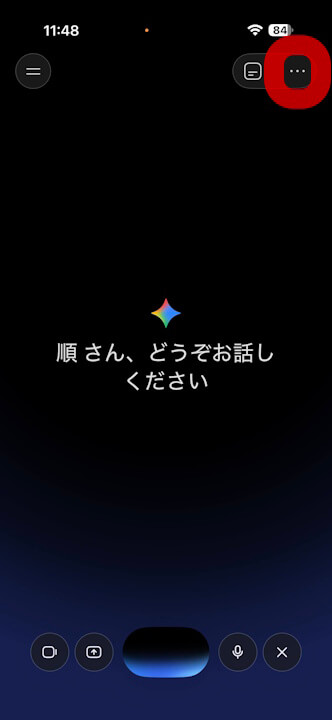
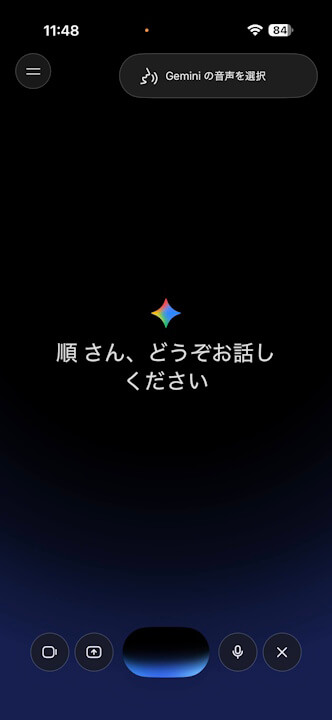
- Access the “Select Gemini Voice” setting by tapping the “⋯” icon at the top right of the “Gemini Live” screen.
A new “Voice Selection” shortcut has been added to “Gemini Live,” the real-time conversation feature of the Google AI “Gemini” app on Android and iOS, as of mid-June 2026.
The newly added “Voice Selection” shortcut in the Android and iOS versions of “Gemini Live” is designed for selecting your preferred Gemini voice. Previously, changing the voice required navigating through general Gemini settings, but this new shortcut now allows for a much quicker and easier way to switch voices directly within “Gemini Live.”
Specifically, you can access the voice selection settings by tapping the “⋯” icon displayed in the top right corner of the “Gemini Live” screen and selecting “Select Gemini Voice.”
There are currently 10 different voice options available for Gemini in the Japanese environment.