




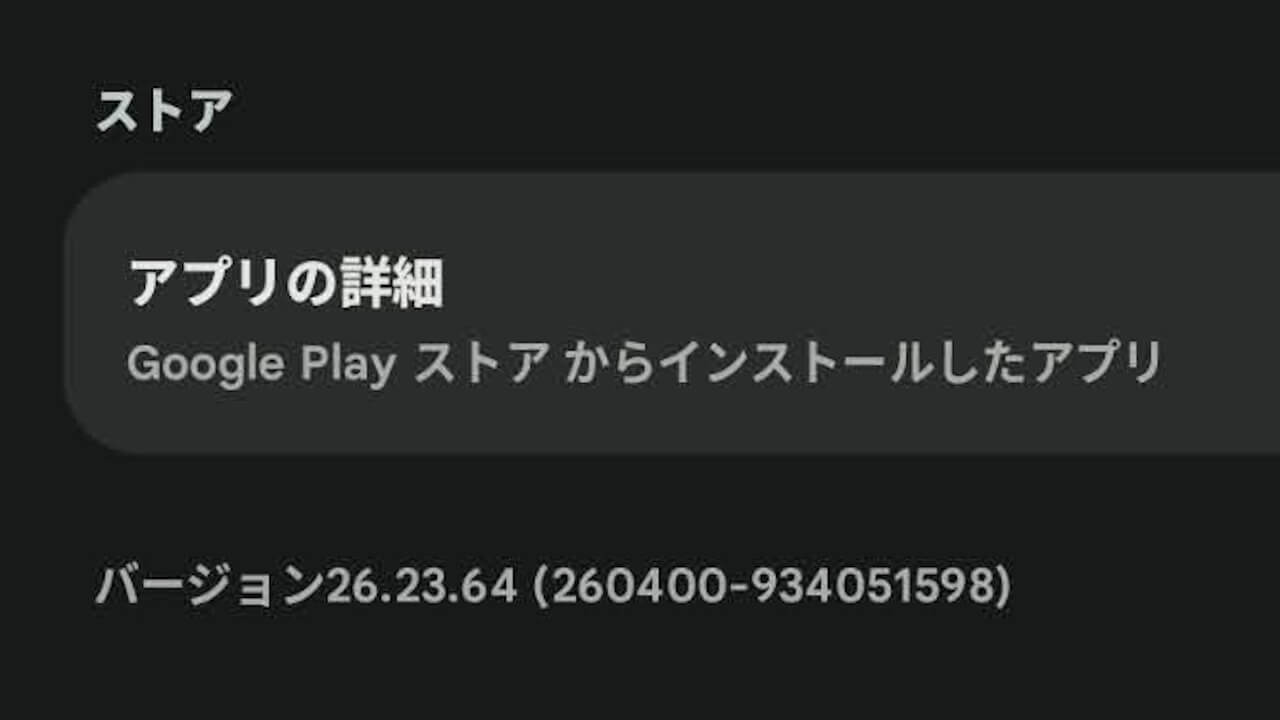
- Google has released an update for “Google Play services,” the system app for Android, around Thursday, June 18, 2026, bringing it to version v26.23 (version: 26.23.64 (260400-934051598)).
- The update includes a total of 5 new features and bug fixes across three sections: System Management, Utilities, and Wallet.
- Includes bug fixes for services related to the Android version of the “Google Wallet” app.
Google has begun rolling out an update for “Google Play services,” the system app provided for Android, around Thursday, June 18, 2026, to version v26.23 (version: 26.23.64 (260400-934051598)).
This Android “Google Play services” app v26.23 update includes a total of 5 new features and bug fixes across three sections: System Management, Utilities, and Wallet. The details are as follows.
| ■ System Management |
|
| ■ Utilities |
|
| ■ Wallet |
|
“Google Play services” App
The “Google Play services” app is a system app that manages general “Google Mobile Services (GMS)” on Android devices.
Please note that if you uninstall the “Google Play services” app, your Android device may stop functioning properly.
Google Play開発者サービスは、GoogleアプリとGoogle Playアプリの更新に使用します。
Google Play開発者サービス – Google Play のアプリ
Google Play開発者サービスは、Googleサービスへの認証、連絡先の同期、ユーザーの最新のプライバシー設定へのアクセス、高品質/低消費電力の現在地情報サービスといったコア機能を提供します。
Google Play開発者サービスには、オフライン検索の高速化、リアルな地図の提供、ゲームパフォーマンスの向上など、アプリのエクスペリエンスを向上させる働きもあります。
Google Play開発者サービスをアンインストールするとアプリが動作しなくなる場合があります。
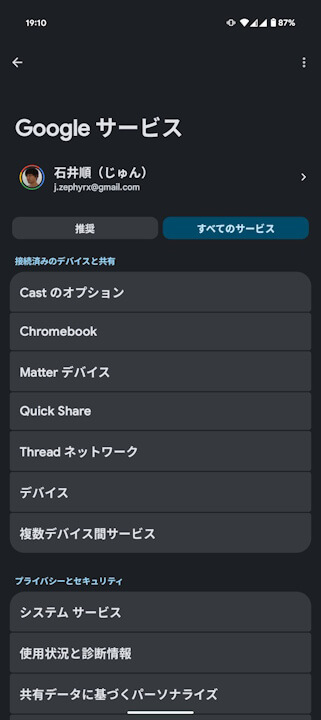
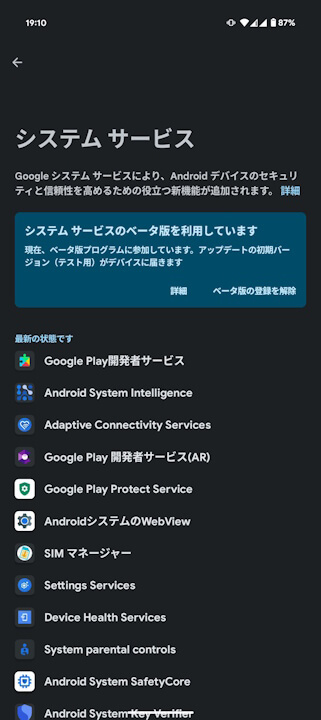
Updates for the Android system app “Google Play services” can be checked via the “System services” settings, accessible from Android Settings under “Google (Google services)” → [All services] tab.
➤
“Google Play services” App Link
