




- The “Android 17” major update includes more than just the new OS features and the June 2026 “Pixel Drop.”
- In “Android 17,” the forced termination behavior during app updates has been improved; when updating a currently running app, a brief update screen is displayed for a few seconds, after which the app automatically resumes.
- However, note that while an app like “YouTube” will automatically resume, it does not mean the video you were watching will automatically resume playback from where it left off.
On Tuesday, June 16, 2026, the “Android 17” major update, the new generation of the Android OS, began rolling out to Google Pixel devices running Android 16.
The “Android 17” major update introduces a wealth of new features, including integrated OS features and the June 2026 “Pixel Drop.” However, it appears there is more to it than just that.
I have discovered a hidden new feature that was not officially announced by Google, which I would like to introduce today: the app continuous launch behavior during updates.


For example, when watching a video in the “YouTube” app, if you updated the app via the “Google Play Store,” the app would be forcibly terminated as soon as the installation began in versions up to Android 16. Naturally, this meant you had to manually relaunch the YouTube app if you wanted to continue watching.
In “Android 17,” however, this forced termination behavior during updates has been improved. Now, when you update an app that is currently running, a brief update screen appears for a few seconds, and the app automatically resumes afterwards. In other words, you no longer need to manually relaunch an app that was previously shut down by an update; the process is now seamless.
I have confirmed this continuous launch behavior in apps such as “YouTube” and the “Google Phone” app.
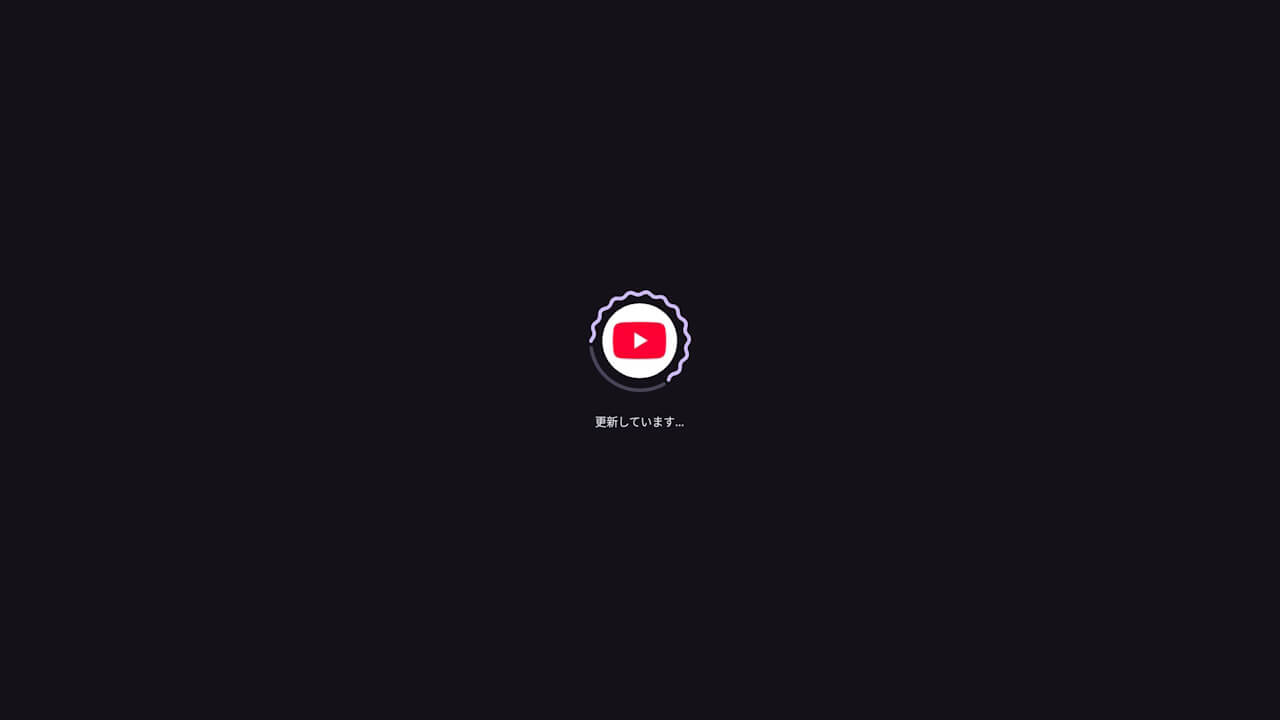
However, it is important to note that just because an app like “YouTube” automatically resumes, it does not mean that the specific content, such as the video you were watching, will automatically start playing again. The app simply stays open; it does not resume the specific task or operation you were performing at the time of the update.
Even so, being able to keep an app running through an update is a major improvement. That previous behavior of apps abruptly shutting down was quite frustrating, after all.