



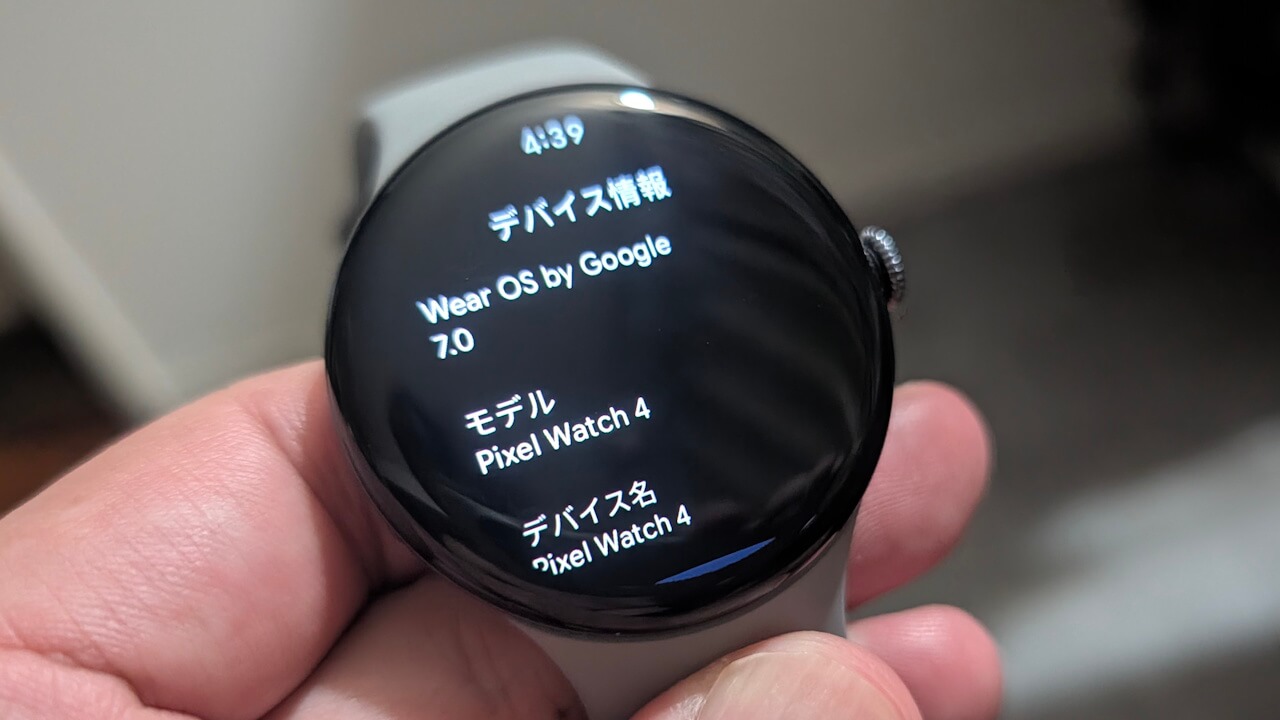

- Google has released the major “Wear OS 7” wearable OS update for the Google Pixel Watch 2, Pixel Watch 3, and Pixel Watch 4 series.
- The “Wear OS 7” major update primarily focuses on the rollout of new features.
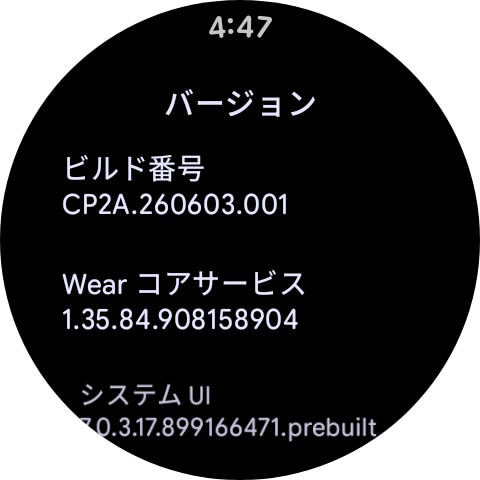
- Following the update, the build number is updated to “CP2A.260603.001” for 4G LTE models and “CP2A.260603.001.S1” for Bluetooth / Wi-Fi models.
On Tuesday, June 16, 2026 (local time), Google began rolling out the major “Wear OS 7” wearable OS update for its second-generation Google Pixel Watch 2, third-generation Google Pixel Watch 3, and fourth-generation Google Pixel Watch 4 series.
The “Wear OS 7” major update for the Google Pixel Watch 2, 3, and 4 focuses primarily on the rollout of new features. Wear OS 7 evolves the platform into a more reliable, everyday experience, offering up to a 10% improvement in battery life compared to Wear OS 6.

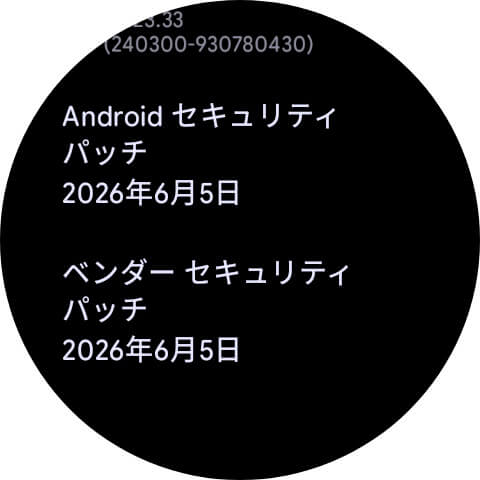
The build number following the “Wear OS 7” update is “CP2A.260603.001” for 4G LTE models and “CP2A.260603.001.S1” for Bluetooth / Wi-Fi models. Additionally, the Android security patch level has been updated to June 5, 2026.
| ■Build Number |
|
| ■Android Security Patch Level |
|
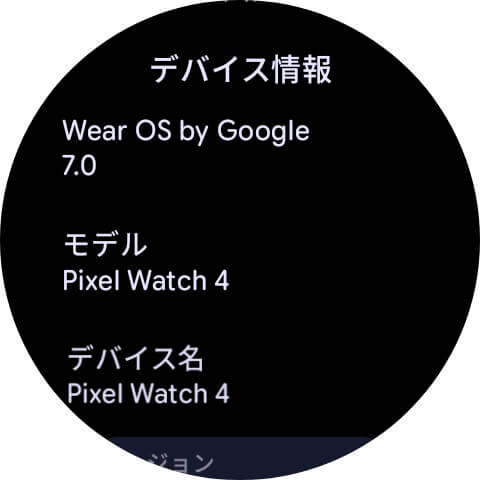
In addition to the new features brought by the “Wear OS 7” update, the Google Pixel Watch 2, 3, and 4 series are receiving four specific new features, including improvements to “Raise to Talk,” and the integration of emergency sharing features for “Loss of Pulse Detection,” “Car Crash Detection,” and “Fall Detection.”
| ■”Raise to Talk” Improvements |
|
| ■Media Remote Controls |
|
| ■App Changes |
|
| ■Pulse Loss / Car Crash / Fall Detection integrated with Emergency Sharing |
|
Software updates for the Google Pixel Watch series are delivered via Over the Air (OTA). You can check if the update is available by navigating to the Wear OS settings: [System] → [System updates].
- Tap [System] in the Wear OS settings.
- Tap [System updates].
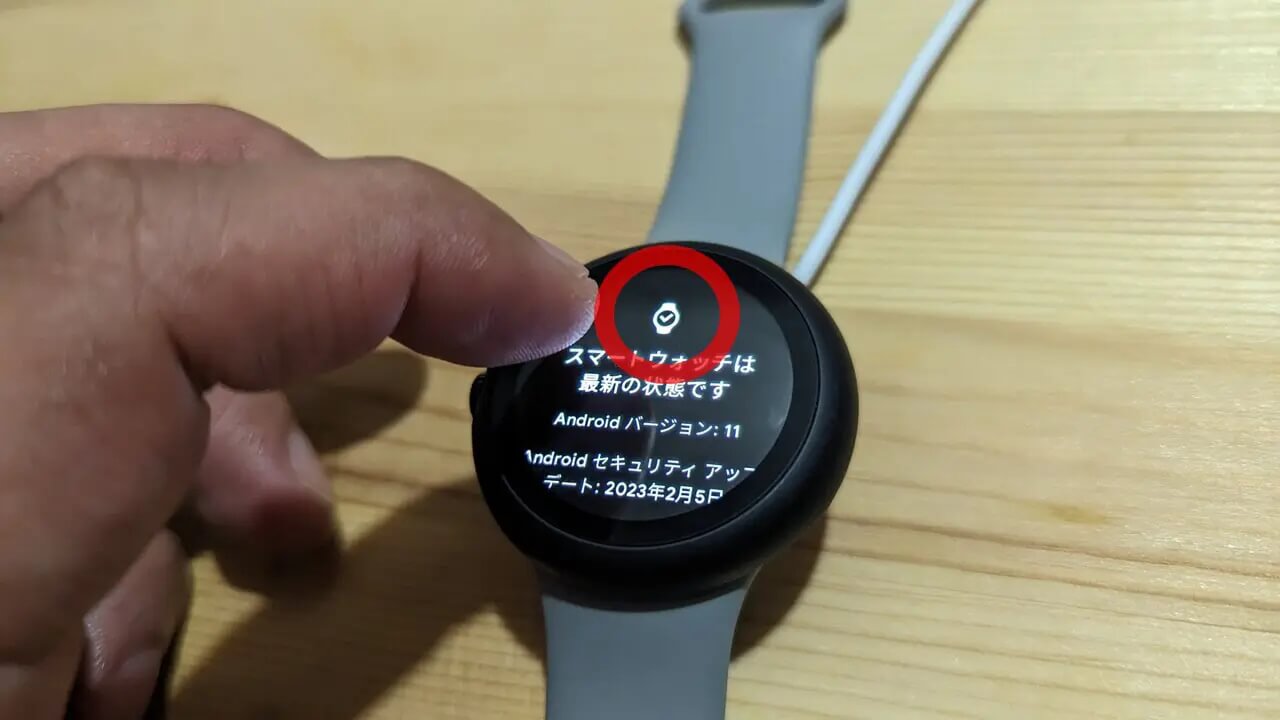
As a little pro-tip, repeatedly tapping the watch icon on the [System updates] screen often forces the software update to appear more quickly. This trick still works on the Google Pixel Watch 4 as well.
“Google Pixel Watch” App Link

Source: Google (https://support.google.com/googlepixelwatch/thread/442344064/google-pixel-watch-update-june-2026)