




- The “Gemini” app has undergone a major UI overhaul.
- While the core design and functionality remain largely the same, there are minor changes to the AI model selection menu and the file attachment tool UI.
- “Gems” that were pinned to the sidebar have been forcibly unpinned following this major update.
Between Monday, May 18, 2026, and Tuesday, May 19, 2026, the UI of the Google AI “Gemini” app underwent a sudden and major refresh.
While the underlying design and functionality of the updated “Gemini” app remain unchanged, there are subtle adjustments to how the AI model selection menu is accessed and the interface for the file attachment tool. Users accustomed to the previous “Gemini” experience may find these changes slightly inconvenient at first.
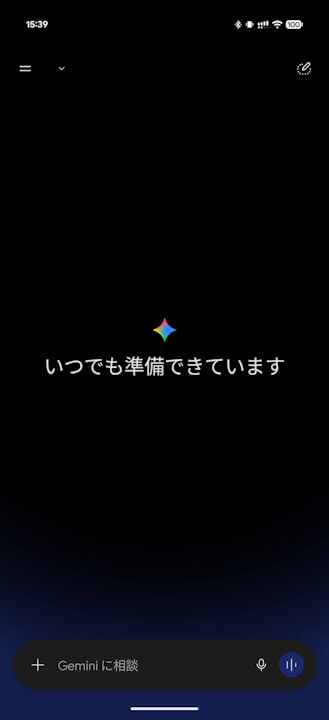
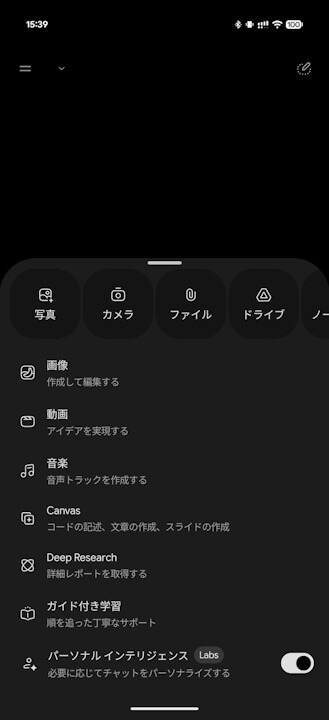
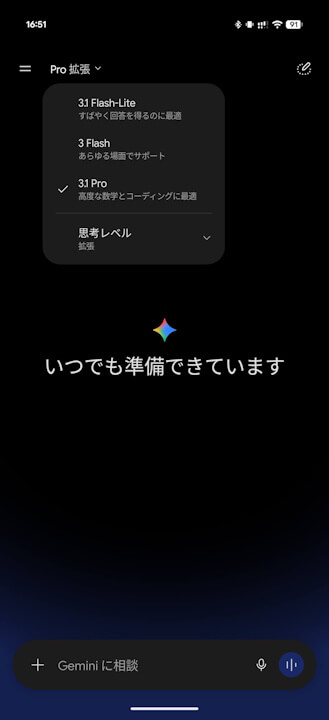
The AI model selection menu has been moved from its previous position within the prompt bar to the top of the screen. It now reflects the newly introduced “Thinking Level” option, making the current status more intuitive for users.
 jetstream.blog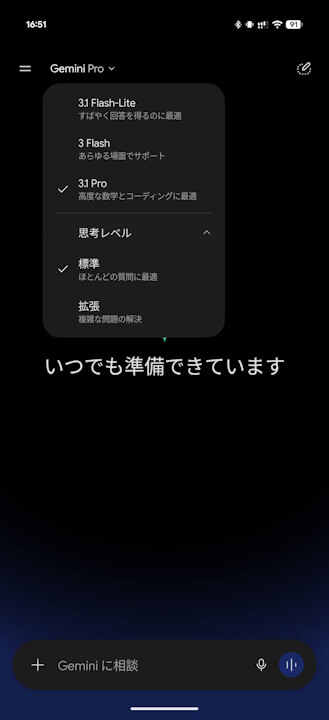
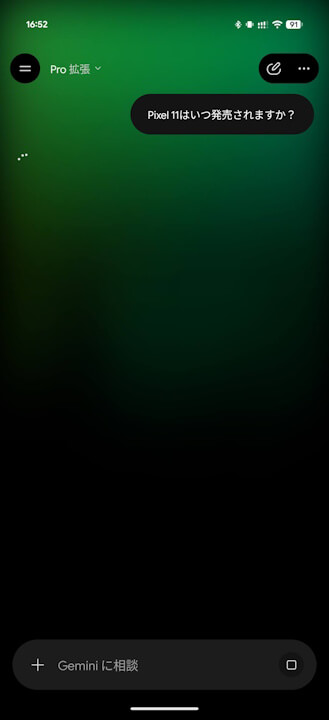
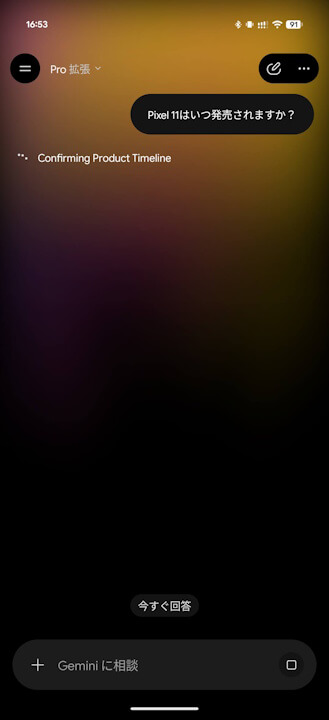
Additionally, while “Gemini” is “thinking,” a new gradient color animation now flows across the top of the screen.
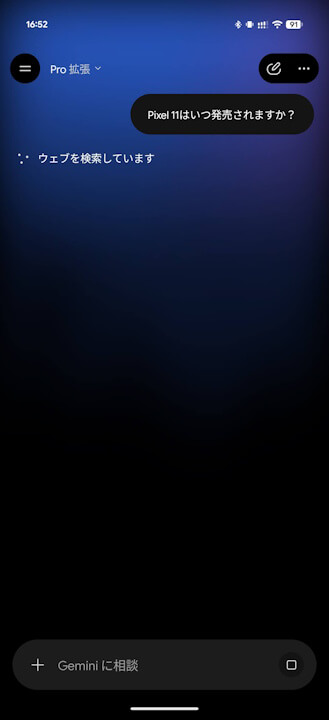
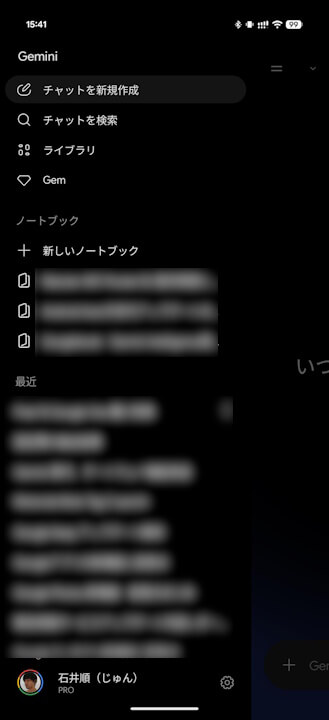
Personally, I find it disappointing that “Gems,” which could previously be pinned to the sidebar, were forcibly removed following this UI update. For users who rely heavily on “Gems,” this major change is likely to be quite unpopular.
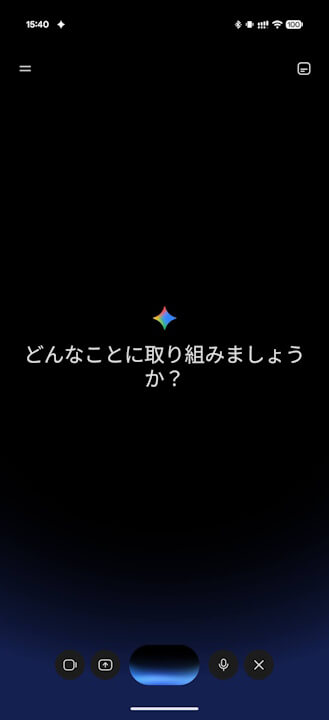
“Gemini Live” now features the new floating UI specification that was previously identified. Note that the “Gemini” floating UI triggered by long-pressing the power button remains unchanged.
The major UI renewal for the “Gemini” app appears to be rolling out first to the Web and Android versions. It has not yet been observed on the iOS “Gemini” app, and rollout timing may vary depending on the user’s account.
Source:Gemini