



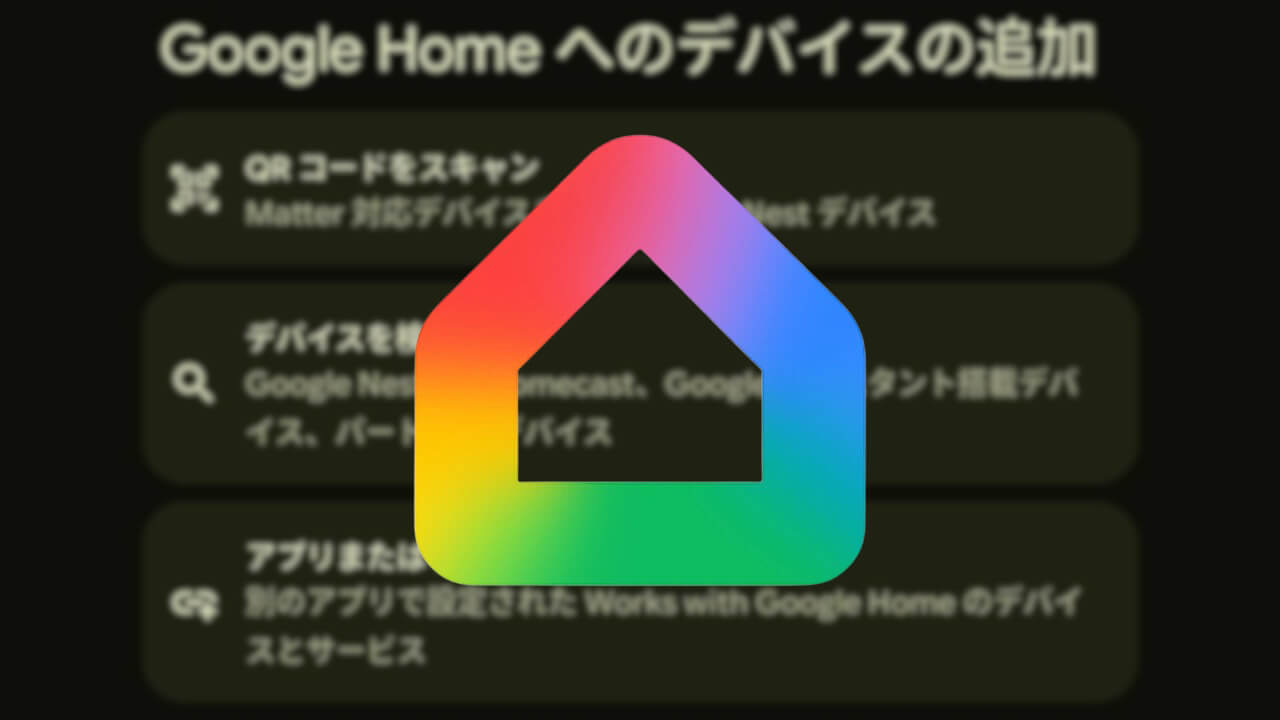

- In the “What’s new in Google Home” update released on Monday, May 11, 2026, Google announced changes to the device setup process in the Google Home app.
- The menu selection previously required for adding new smart home devices is being phased out, with a unified process based on scanning a QR code provided with the smart home device.
- Instead of manually selecting menus such as “Google Nest,” “Works with Google Home,” or “Matter,” users can now simply scan the QR code with their Android/iOS device to automatically proceed to the optimal setup steps.
Google announced changes to the device setup process in the “Google Home” app as part of its latest “What’s new in Google Home” update, which summarizes new features and improvements for the Google Home smart home service, released on Monday, May 11, 2026.
Previously, when adding a new smart home device to the “Google Home” app, users had to select from specific menus—such as Google’s own “Google Nest” devices, “Matter” compatible devices, or “Works with Google Home” third-party devices—to begin the appropriate setup process. This menu selection is now being abolished and unified into a single process: scanning the QR code included with the smart home device.
In other words, you will no longer need to go through the hassle of selecting menus like “Google Nest,” “Works with Google Home,” or “Matter.” Instead, simply scanning the QR code with your Android or iOS device will automatically direct you to the optimal setup procedure.

“Google Home” App Links


Source:Google