




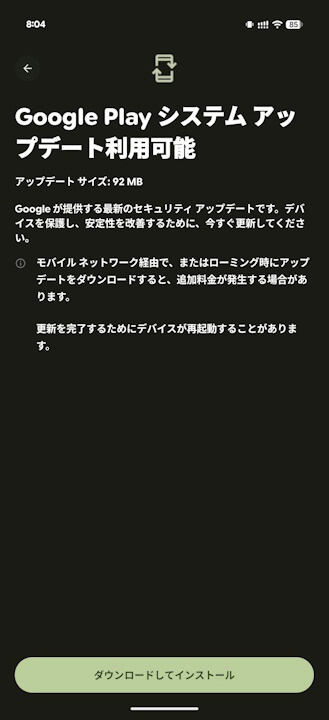
- Around Tuesday, May 5, 2026, Google began rolling out the “Google Play system update,” part of the monthly “Google System Updates” designed to improve security and reliability, to Android devices.
- This is the fifth minor update to the March 2026 edition of the “Google Play system update” (Status: March 1, 2026), which was originally released around Thursday, April 9, 2026.
- The app version of “Mainline services (Main components)” remains unchanged from v2026-03-01S+.
Around Tuesday, May 5, 2026, Google began rolling out the “Google Play system update,” part of the monthly “Google System Updates” designed to improve security and reliability, to Android devices.
This latest “Google Play system update” is the fifth minor update to the March 2026 edition of the “Google Play system update” (Status: March 1, 2026), which was released around Thursday, April 9, 2026. The status remains unchanged as “March 1, 2026,” and the app version of “Mainline services (Main components),” the system service app that handles the Google Play system updates, also remains unchanged at v2026-03-01S+.
It is likely that this update includes some minor bug fixes or security patch updates. However, it is already May. One has to wonder how much longer they will keep the March 2026 edition of the “Google Play system update” as the current version.
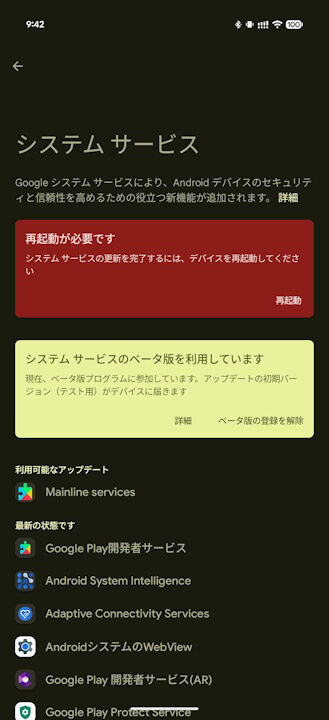
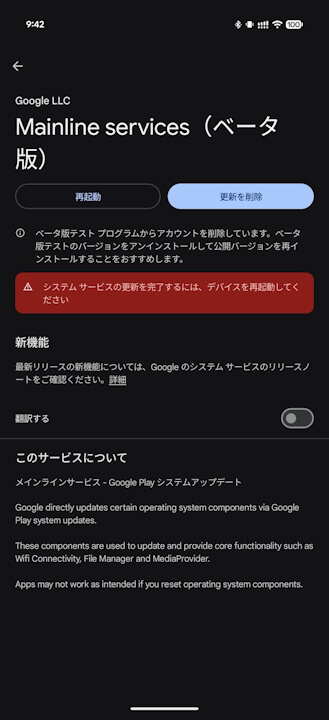
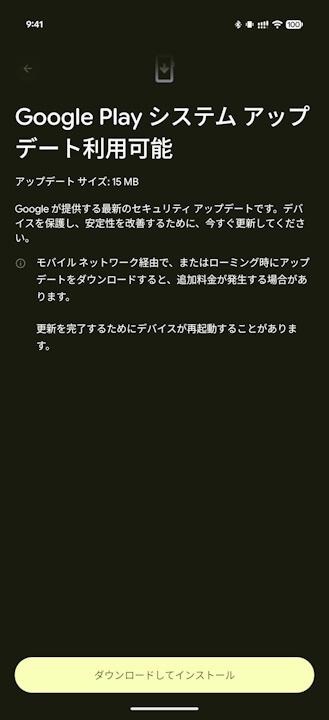
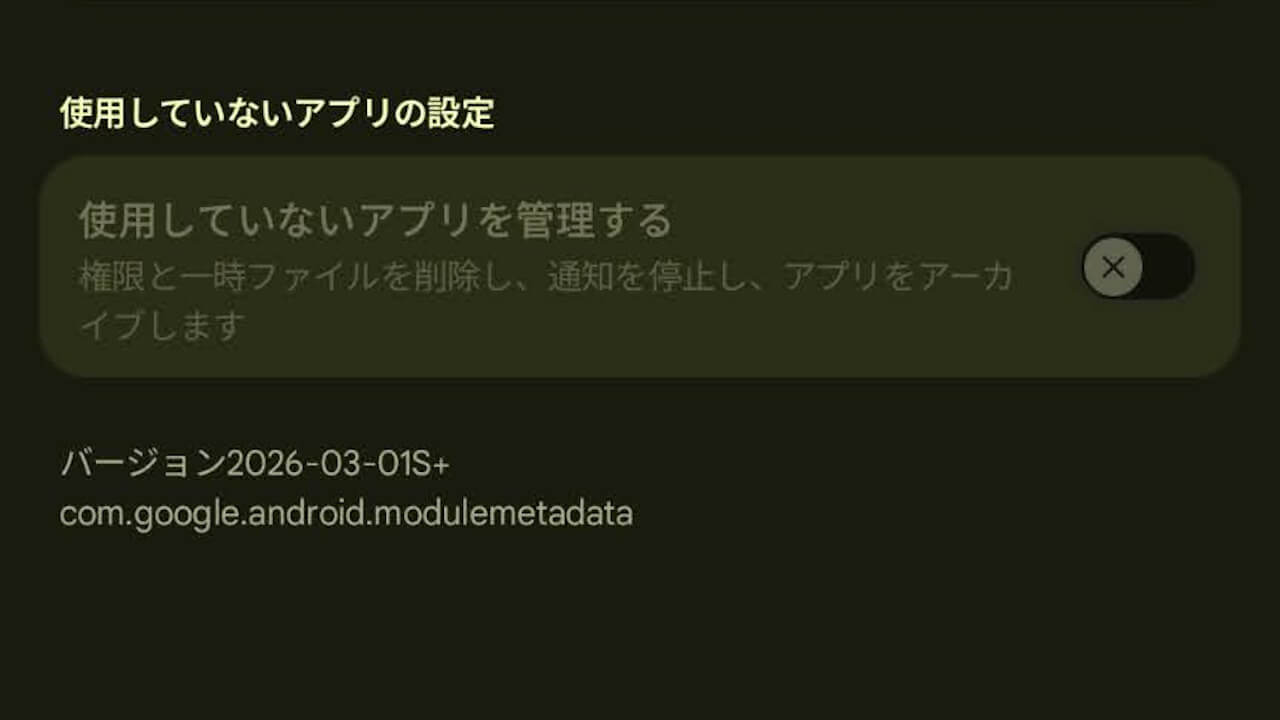
Note that the “Google Play system update” is a system update related to “Google Play,” as the name implies, and is rolled out as part of the broader “Google System Updates.” It primarily handles the security aspects of Google Play, specifically by deploying “security patch level” updates, which are announced monthly on the 1st in the “Android security bulletin.”
For more details on each update deployed to Android devices, please refer to the following article.

How to check for “Google Play system updates”
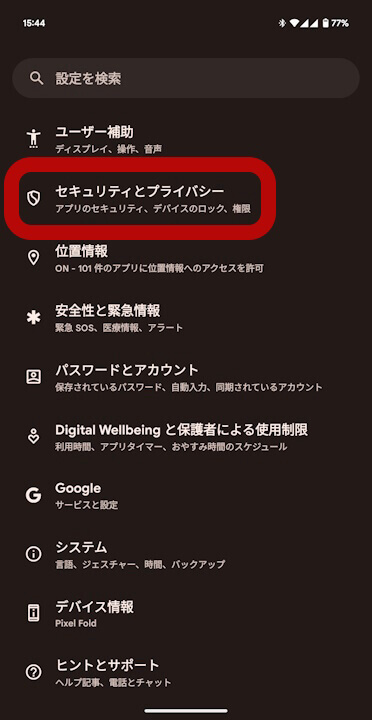
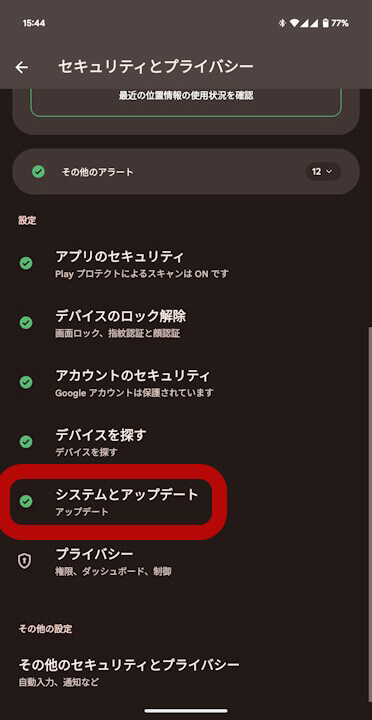
You can check for “Google Play system updates” on your Android device by going to Settings > Security & privacy > System & updates, and tapping on “Google Play system update.”
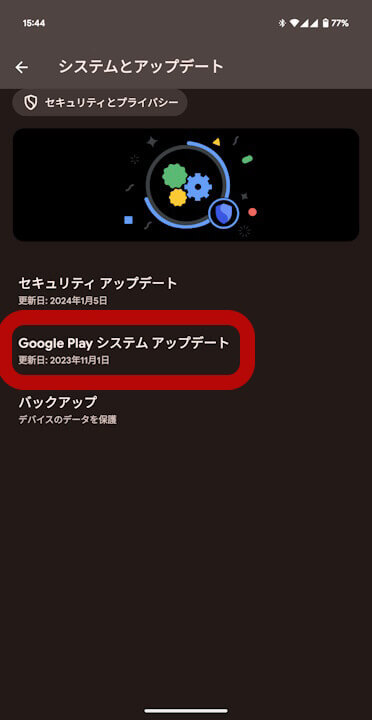
Additionally, you can check for “Google Play system updates” through the update menu for the “Mainline services” app, a new app that began rolling out around Wednesday, November 19, 2025, within the “System services” list used to keep the Android platform running correctly.
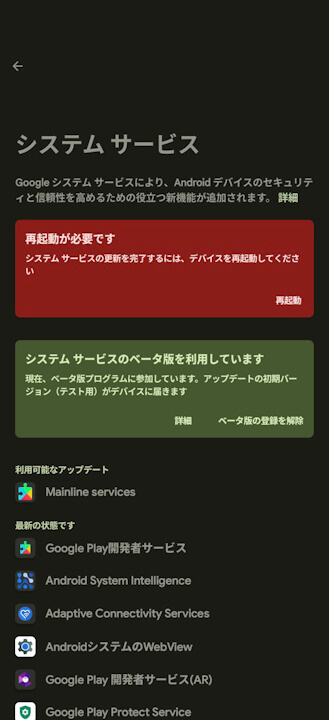
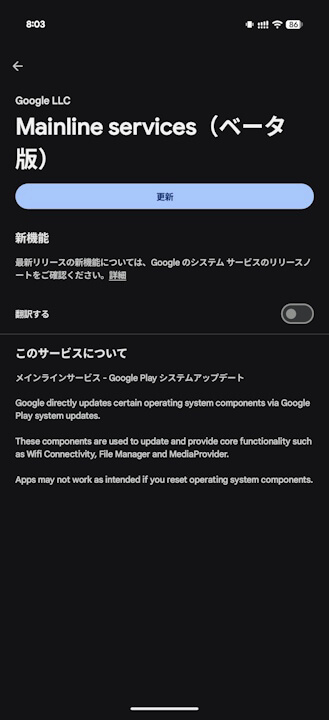
“Mainline services” app link

Source: Google