




- Google has launched “Continued Conversation” globally as a new feature for the “Gemini for Home (Early Access)” smart home service.
- This convenient feature allows for seamless two-way conversations after the initial “OK Google” wake word, eliminating the need to repeat it for every follow-up question.
- In essence, it is the equivalent of the “Continued Conversation” feature previously available for “Google Assistant” in English-speaking environments.
On Tuesday, April 21, 2026, Google began the global rollout of “Continued Conversation” as a new feature for “Gemini for Home (Early Access),” the Google AI-integrated smart home service that launched in Japan in early April 2026.
The new “Continued Conversation” feature for “Gemini for Home (Early Access)” is a convenient tool that removes the need to say the wake word “OK Google” every time. Once you trigger Gemini with the initial “OK Google,” it will answer your question and then remain in a listening state for several seconds afterward, allowing you to continue the conversation without re-triggering it.
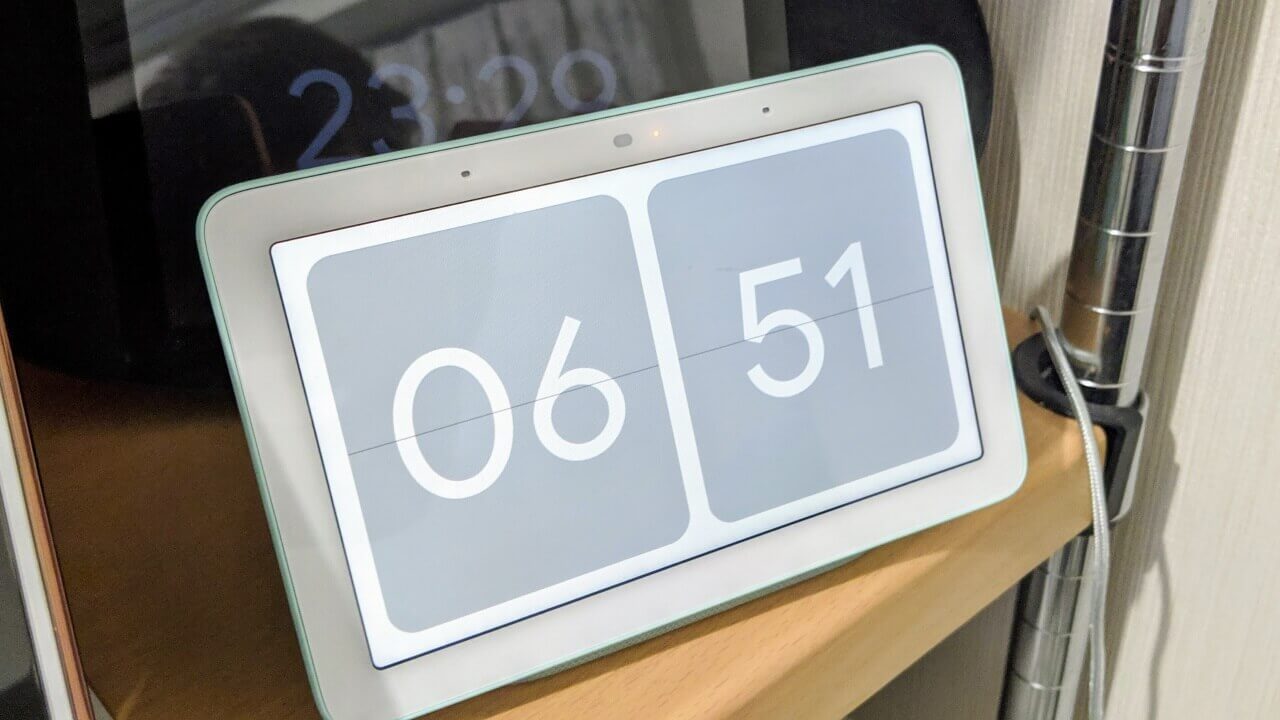
During this active listening period, the LED light on your device will blink or remain lit, signaling that you can ask follow-up questions immediately to receive further responses. Essentially, this feature is the equivalent of the “Continued Conversation” feature known from Google Assistant in English-speaking environments.
While the “Continued Conversation” feature for Google Assistant was never expanded beyond English-speaking regions, it has finally made its long-awaited global debut as “Continued Conversation” for “Gemini for Home (Early Access).”
 jetstream.buzz
This newly announced feature is available to all users, regardless of whether they have a “Google Home Premium” membership or not. To enable it, navigate to the “Home settings” after opting into “Gemini for Home (Early Access),” open the “Gemini for Home voice assistant” settings, and toggle “Continued Conversation” to ON.
| ■ Example of “Continued Conversation” |
|
With this global launch, Google appears to have improved the underlying conversation context recognition in Gemini. This not only allows for faster and smoother responses but also enables the system to better distinguish between conversations directed at Gemini and casual chatter between people in the same room. Additionally, when “Continued Conversation” is turned ON, it is enabled for the entire home using “Gemini for Home (Early Access).”
Source:Google(https://www.googlenestcommunity.com/t5/Blog/Talk-Naturally-Get-Things-Done-Faster-Continued-Conversation-arrives-on/ba-p/801406)