




- Google has introduced “Skills,” a new feature for “Gemini in Chrome”—the AI-integrated browser service currently available on Windows, macOS, and Chromebook Plus in the US, India, Canada, and New Zealand.
- “Skills” is a convenient feature that allows users to save frequently used prompts in “Gemini in Chrome” for easy reuse.
- A library of ready-to-use “Skills” has also been released.
On Tuesday, April 14, 2026, Google introduced “Skills” as a new feature for “Gemini in Chrome,” the AI-integrated browser service currently available on Windows, macOS, and Chromebook Plus in the US, India, Canada, and New Zealand.
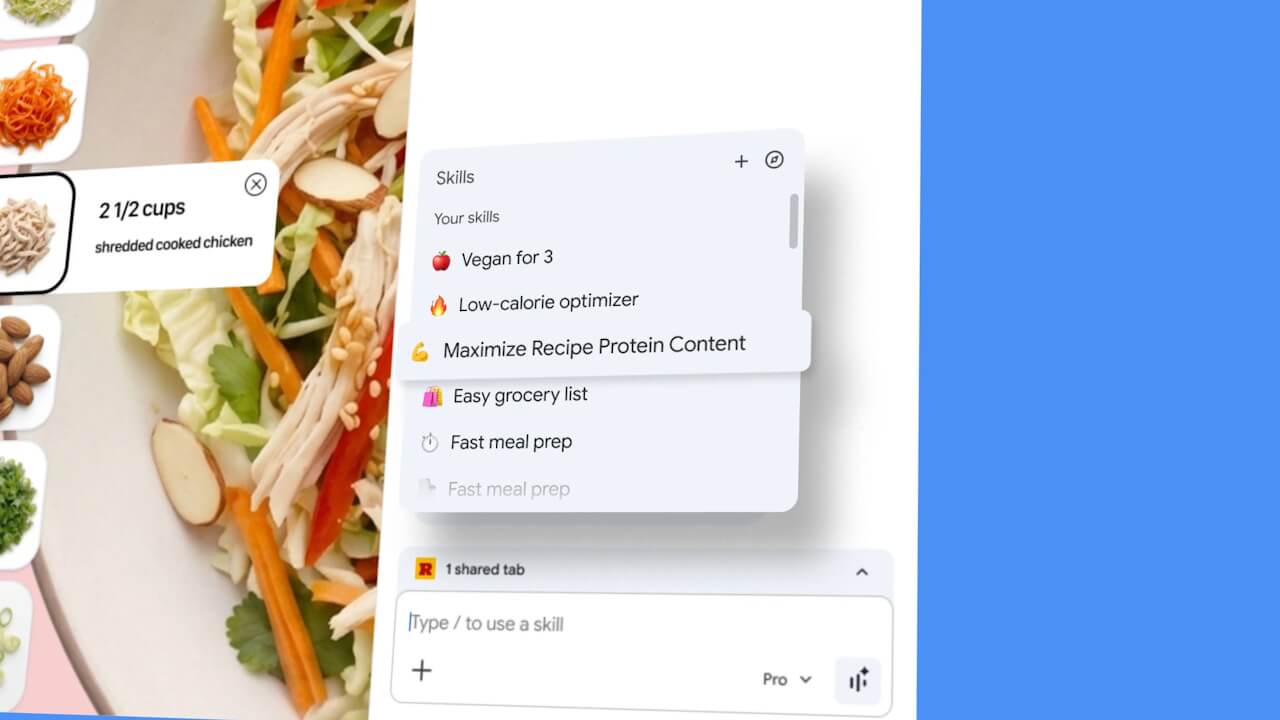
“Skills,” the new feature added to Gemini in Chrome, allows users to save frequently used prompts for easy reuse. You can save prompts you’ve used before—such as those for comparing web pages or checking for updates within a site—as “Skills.”
To use a saved “Skill,” simply type a “/” (forward slash) in the prompt input box, and select your desired skill from the list of saved “Skills” that appears.
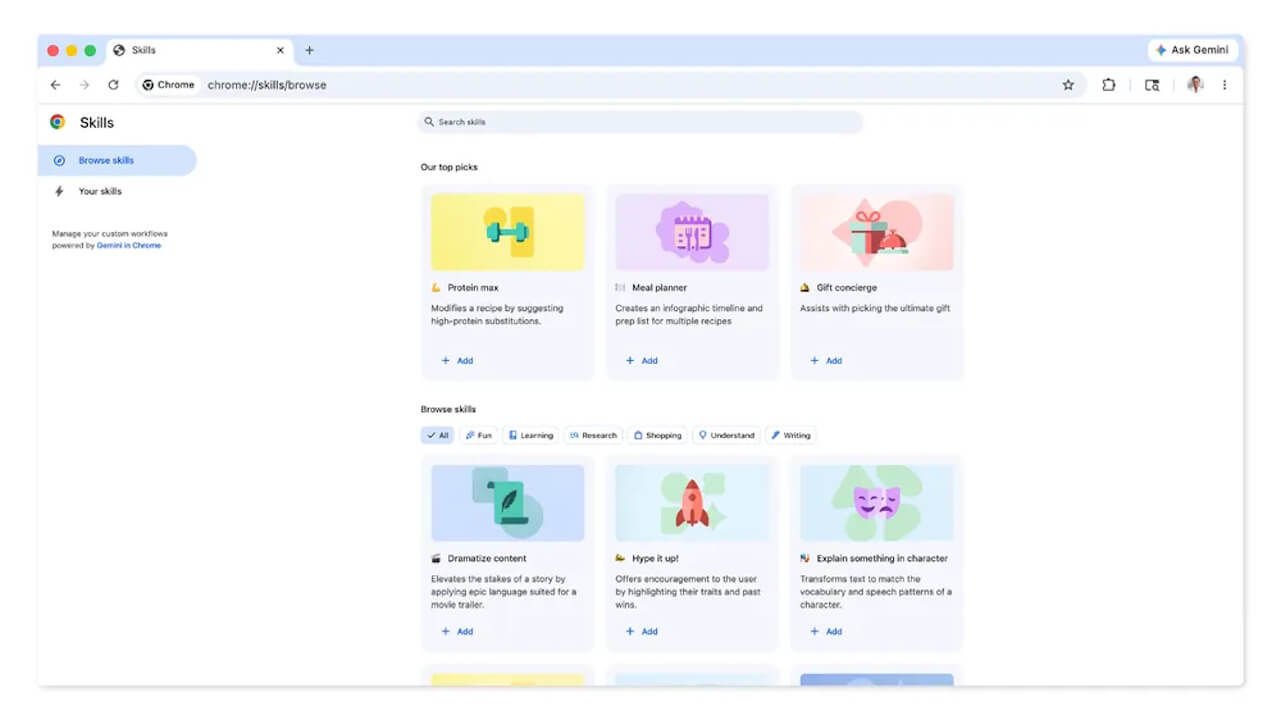
The new “Skills” feature for Gemini in Chrome also comes with a library of ready-to-use options. The provided “Skills” library can also be edited to better suit the user’s specific needs.
Please note that “Skills” incorporates the same user protection features as Gemini in Chrome. Therefore, for prompts that require access to private data—such as adding events to Google Calendar or sending emails—the system will prompt you for confirmation each time.
As mentioned, while Gemini in Chrome is currently available in the US, India, Canada, and New Zealand, the “Skills” feature is currently being rolled out for English-language environments in the US.
Source: Google