



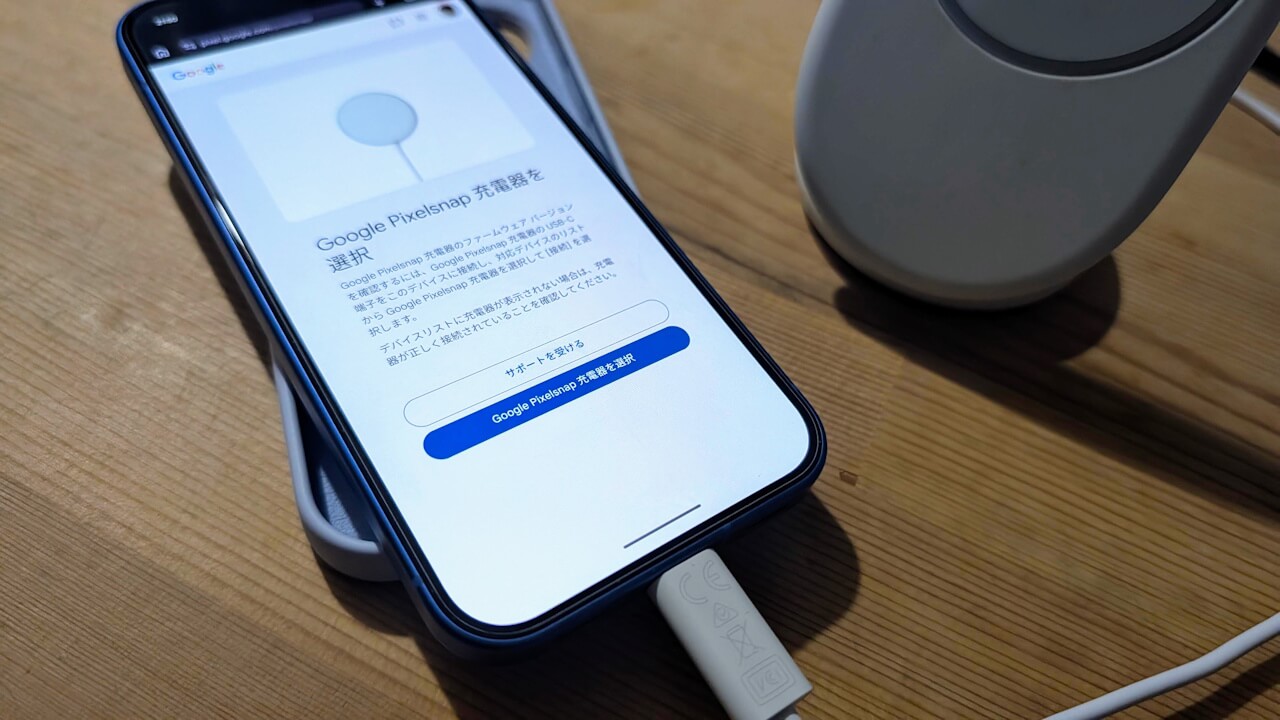

- A manual firmware update method for the “Google Pixelsnap Charger” is now available.
- Directly connect the USB Type-C cable of the “Google Pixelsnap Charger” to an Android device running Android 16 or later, open the dedicated website (pixel.google.com/pixelsnap) in the “Chrome” app, and follow the on-screen instructions.
- This is a relatively novel approach, which might feel fresh for many users.
Announced alongside the Google Pixel 10 series, “Google Pixelsnap” is Google’s new magnetic wireless charging standard that supports “Qi2,” the next generation of magnetic wireless charging.
The “Google Pixelsnap Charger” is the wireless charger compatible with this standard. While firmware updates and management for the Google Pixelsnap Charger are typically handled through the Android “Pixel Stand” app, a manual method has actually been made available.
The process is straightforward: simply connect the USB Type-C cable of the Google Pixelsnap Charger directly to an Android device running Android 16 or later, access the dedicated website (pixel.google.com/pixelsnap) using the Chrome app, and follow the steps provided.
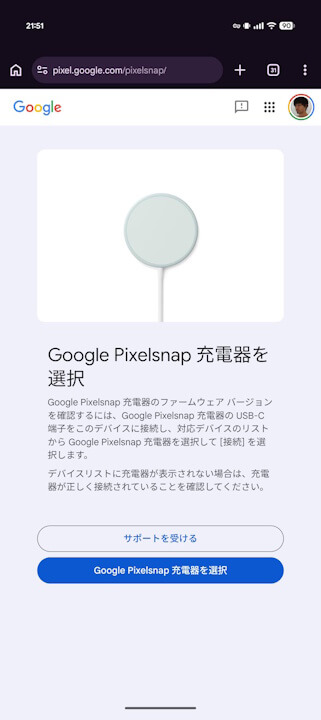
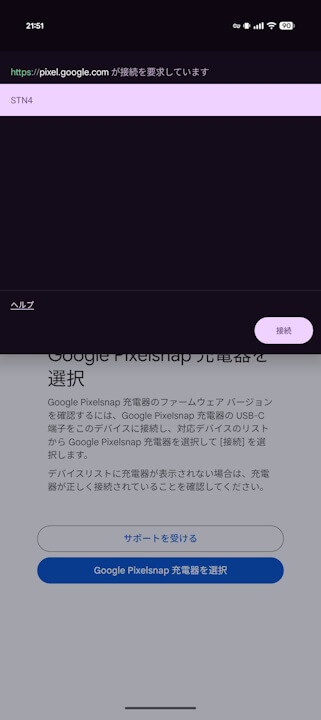
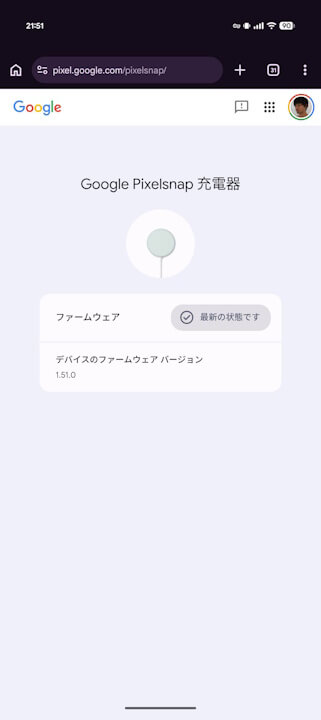
The manual firmware update for the Google Pixelsnap Charger takes only a few seconds to complete. That said, as this is an unconventional method, it might feel quite refreshing at first.
Google Pixelsnap 充電器のファームウェアを更新する方法
Google Pixelsnap 充電器のパフォーマンスを最大限に引き出し、最新の Qi 互換性を維持するため、ファームウェアは自動的に更新されます。Google Pixelsnap のファームウェアのウェブサイト(pixel.google.com/pixelsnap)でアップデートを確認することもできます。
自動更新
充電器を Google Pixel に接続すると、ファームウェアが自動的に更新されます。これらのサイレント アップデートについて、お客様側で必要な対応はありません。
手動アップデート
最新のファームウェアを手動で確認したり、バージョンを確かめたりする場合は、Google Pixelsnap ファームウェアにアクセスしてください。
必要なもの
- Android 16 以降を搭載した Android スマートフォン
- Google Pixelsnap 充電器
- Chrome ブラウザ
ファームウェアを更新する
Pixelsnap 対応アクセサリーについて – Google Pixel ヘルプ
- Google Pixelsnap 充電器の USB-C 端子を Android スマートフォンの USB-C ポートに直接差し込みます。
- スマートフォンで Chrome を開きます。
- pixel.google.com/pixelsnap にアクセスします。
- 利用可能なデバイスのリストから、[Google Pixelsnap 充電器を選択] をタップします。
- 画面上の手順に沿ってファームウェア バージョンを確認し、アップデートが利用可能な場合はインストールします。
Source: Google