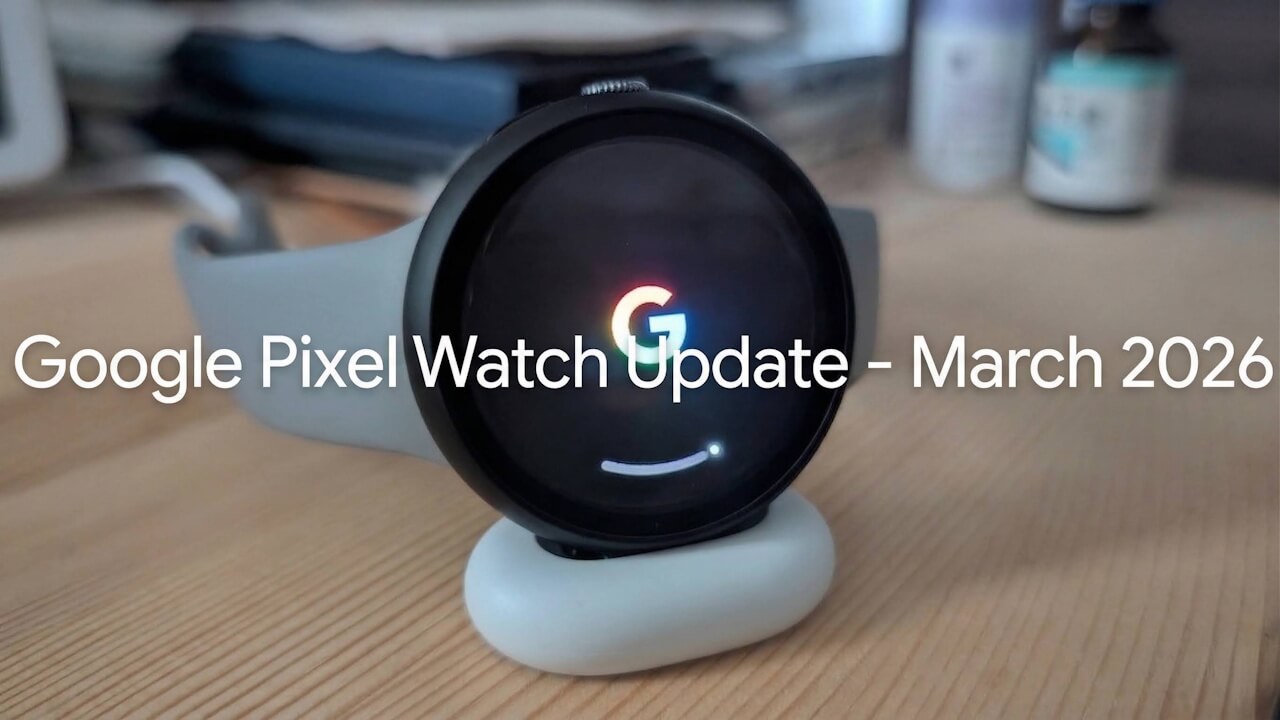
Google has finally released the March 2026 software update for the 4G LTE versions of the Google Pixel Watch 2, Google Pixel Watch 3, and Google Pixel Watch 4.
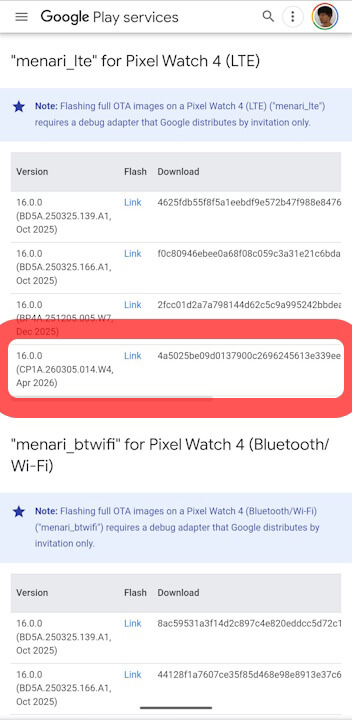
The public release date is listed as “April 2026,” with the build number “CP1A.260305.014.W4” as originally announced.
The March 2026 software update for the Google Pixel Watch 2, 3, and 4 primarily focuses on rolling out new features.
About a month ago, on Tuesday, March 3, 2026, Google began rolling out the March 2026 software update for the second-generation Google Pixel Watch 2, third-generation Google Pixel Watch 3, and the fourth-generation Google Pixel Watch 4.
However, the update was initially only delivered to the Wi-Fi versions of the Google Pixel Watch 2, 3, and 4, while the 4G LTE versions remained without it. It appears that the March 2026 software update has finally begun rolling out to the 4G LTE versions of all three models as well.
On Tuesday, March 31, 2026, Google published the factory and OTA images for the 4G LTE versions of the Google Pixel Watch 2, 3, and 4, which include the March 2026 software update. This signifies the start of the official rollout for these specific models.
Interestingly, the public release date for these factory/OTA images for the 4G LTE versions is listed as “April 2026.” Meanwhile, the build number remains “CP1A.260305.014.W4,” matching the initial announcement.
I have also confirmed the receipt of the March 2026 software update on my own 4G LTE Google Pixel Watch 4.
The March 2026 software update for the Google Pixel Watch 2, 3, and 4 primarily introduces new features. After the update, the build number for the Bluetooth/Wi-Fi models will be “CP1A.260305.014.W2,” while the 4G LTE models will be updated to “CP1A.260305.014.W4.”
■ Build Number
Bluetooth / Wi-Fi Model: CP1A.260305.014.W2
4G LTE Model: CP1A.260305.014.W4
Google Pixel Watch 2 / 3 / 4 March 2026 Software Update Build Numbers
The new features included in the March 2026 update for the Google Pixel Watch 2, 3, and 4 are as follows:
■ “Express Pay”
Compatible Devices: Google Pixel Watch 2, 3, and 4
A new “Express Pay” feature is rolling out, allowing for contactless payments without needing to manually open the Wear OS Google Wallet app first. This feature is designed to detect your intent to pay using advanced motion algorithms. Note that this requires opting in and the watch must be unlocked.
■ Wear OS “Find Hub” App
Compatible Devices: Google Pixel Watch 2, 3, and 4
A Wear OS version of the “Find Hub” app is being released, making it easy to locate and identify lost devices or tagged items.
■ “Earthquake Alerts”
Compatible Devices: Google Pixel Watch 2, 3, and 4
With standalone “Earthquake Alerts,” you will receive real-time notifications of nearby earthquakes directly on your Google Pixel Watch, even if the connection to your Android device is lost. This requires a Wi-Fi or LTE connection. Note that the Android/Wear OS “Earthquake Alerts” feature is currently limited to specific regions, including parts of the US.
■ “Leave-Behind Alerts”
Compatible Devices: Google Pixel Watch 2, 3, 4 and Google Pixel devices from Pixel 8 onwards
You will receive a notification on your Google Pixel Watch when you move away from your Google Pixel device. To avoid unnecessary alerts, it will not notify you if you are nearby even if Bluetooth disconnects; it only alerts you if you have significantly changed your location. This feature is turned OFF by default.
How to set: With your Google Pixel device and Watch connected via Bluetooth, go to the Google Pixel Watch app -> “Watch preferences” -> “Security” -> “Leave-behind alerts” to enable.
■ “Lock phone when watch is left behind”
Compatible Devices: Google Pixel Watch 2, 3, 4 and Google Pixel devices from Pixel 8 onwards
If your Google Pixel Watch, which is paired with your Google Pixel device, moves out of Bluetooth range, the phone will automatically lock. The locked device can be unlocked using standard authentication methods.
How to set: With your device and Watch connected, go to the Google Pixel Watch app -> “Watch preferences” -> “Security” -> “Lock phone when watch is left behind” to enable.
Google Pixel Watch 2 / 3 / 4 March 2026 Software Update New Features
■ “Trusted Places” for Google Pixel devices using Google Pixel Watch
Compatible Devices: Google Pixel Watch 3, 4 and Google Pixel devices from Pixel 8 Pro onwards
When connected, you can use your Google Pixel Watch as a “Trusted Place” to speed up authentication, allowing for smoother and more secure access to your Google Pixel device.
*Excludes Pixel 8 and Pixel 8a.
Google Pixel Watch 3 / 4 March 2026 Software Update New Features
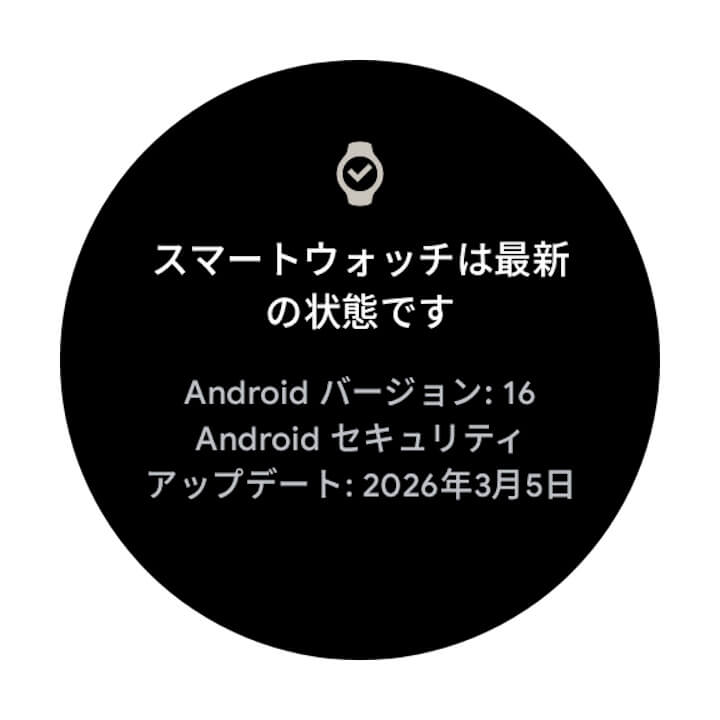
Software updates for the Google Pixel Watch series are delivered “Over the Air (OTA).” You can check if the software update is available by navigating through your Wear OS settings: [System] -> [About] -> [System updates].
Tap [System] in the Wear OS settings.
Tap [About].
Tap [System updates] in the bottom right corner.
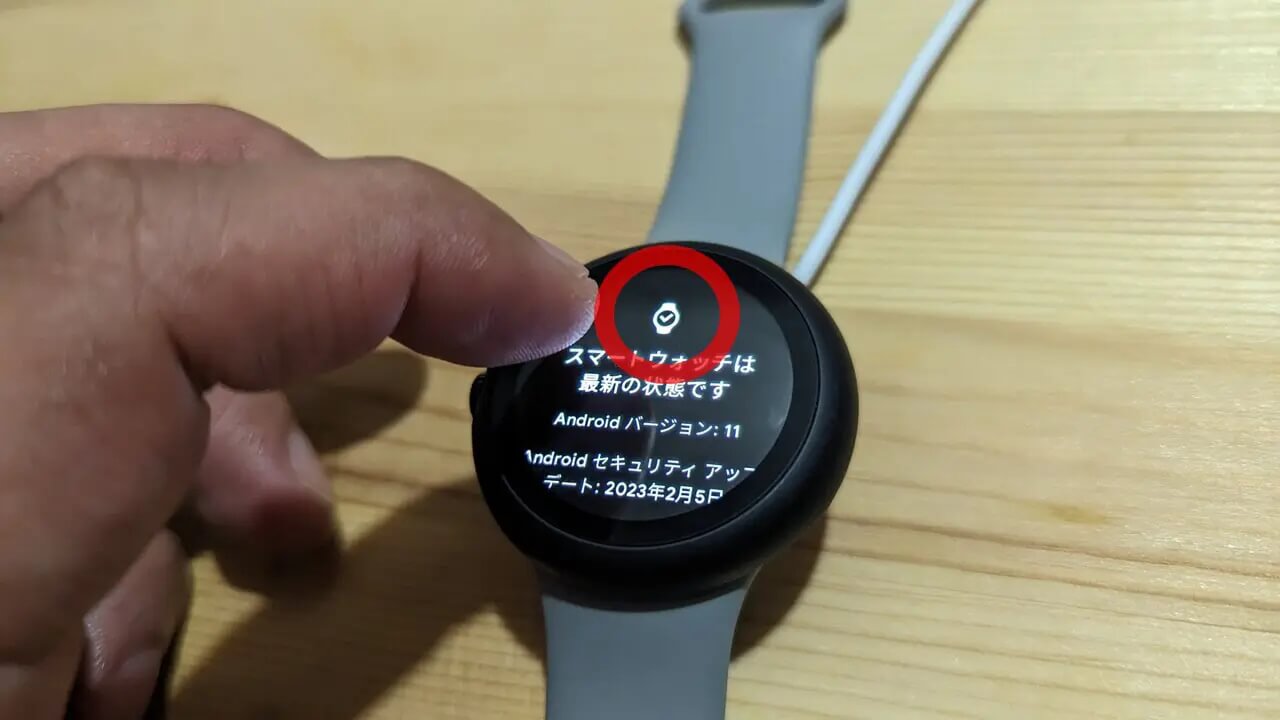
As a little trick, tapping the watch icon on the [System updates] screen repeatedly will often trigger the software update to appear more quickly. This method remains effective for the Google Pixel Watch 4 as well.







 jetstream.blog