




- Google announces optimization of the photo editing screen in the Android version of the “Google Photos” app.
- Access methods for editing features prone to accidental operation have been changed.
- Tapping, circling, or handwriting input will no longer be triggered on the main photo editing screen.
On Tuesday, March 31, 2026, Google announced an optimization of the photo editing screen for the Android version of its online photo library service, “Google Photos.”
The announced optimization for the Android “Google Photos” app involves changing how users access editing features that were prone to accidental triggers. Specifically, actions such as tapping, circling, or handwriting input will no longer automatically launch on the main screen when editing a photo.
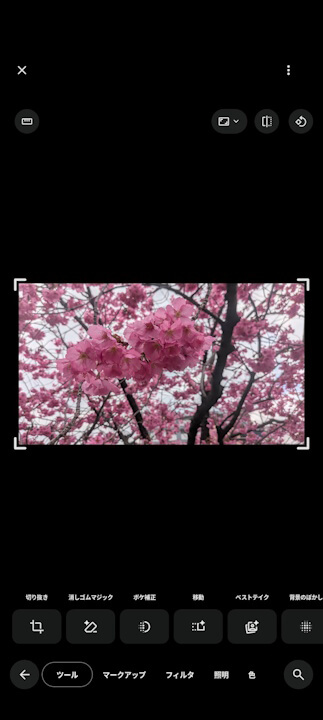
Previously, in the Android “Google Photos” app, you could tap, circle, or hand-draw directly on a photo on the main editing screen without selecting a specific tool to trigger menus like “Move,” “Erase (Magic Eraser),” or “Recreate.” While convenient, this operation also had the downside of being prone to accidental triggers. It appears that Google received significant user feedback regarding this issue.
As a result, these quick-trigger actions have been disabled on the main editing screen. To access editing features such as “Move,” “Erase (Magic Eraser),” or “Recreate,” users must now select the relevant tool from the editing tool list or search menu.
“Google Photos” App Link

Source:Google