



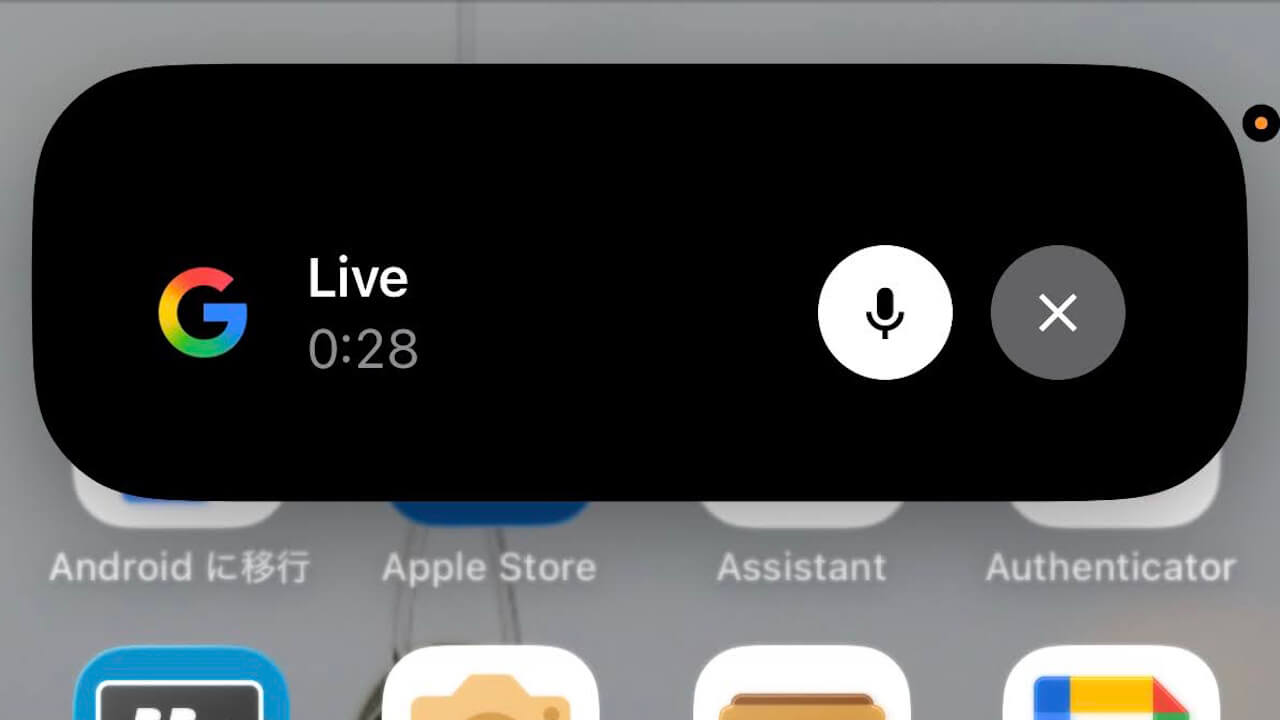

- A long-awaited feature for iOS users has been unlocked in “Search Live.”
- It allows background continuation, meaning you can continue interacting with the AI even after closing the app.
- “Search Live” supports background continuation even on iOS.
As previously reported, the real-time AI conversation feature “Search Live,” linked to the “AI Mode” available in the Google app for Android and iOS, began rolling out in Japan and for Japanese-speaking environments around March 2026.
“Search Live” is essentially “Gemini Live” for “AI Mode.” While “Search Live” functions just like the AI conversation service “Gemini Live,” there is a slight difference in access: while “Gemini Live” is launched from the Gemini app, “Search Live” is accessed by tapping the “Search Live” icon on the home screen of the Google app for Android and iOS.


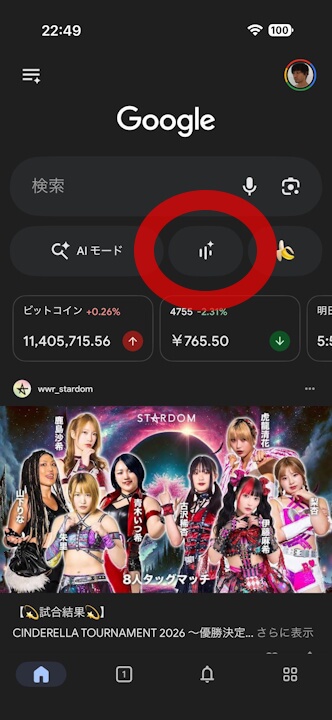
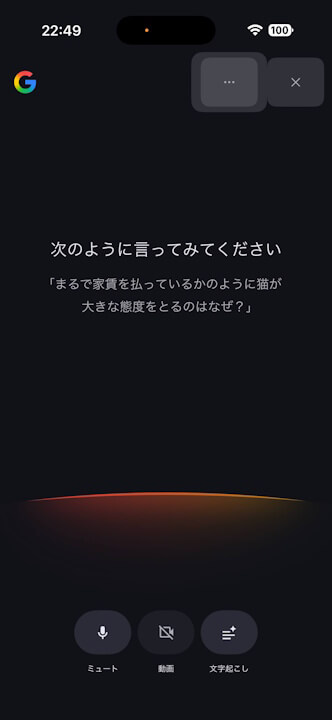
Honestly, both “Gemini Live” and “Search Live” offer essentially the same functionality, with only the UI being different. Therefore, there isn’t much in terms of novelty.
However, for iOS users, a long-awaited feature has been unlocked in “Search Live”: background continuation, which allows you to keep the conversation going with the AI even after closing the app.
While the Android version of “Gemini Live” already allows conversations to continue in the background, the iOS version of “Gemini Live” terminates the session once the app is closed. In contrast, “Search Live” enables this background continuation even on iOS.
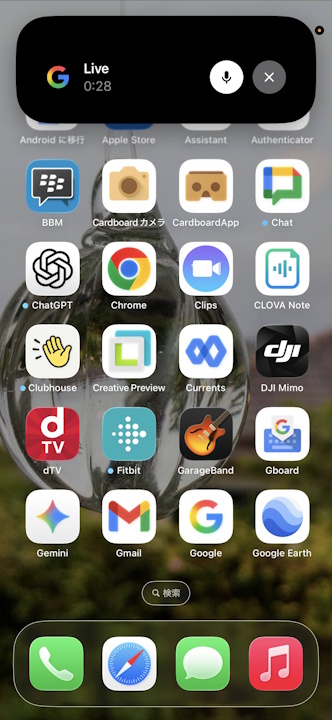
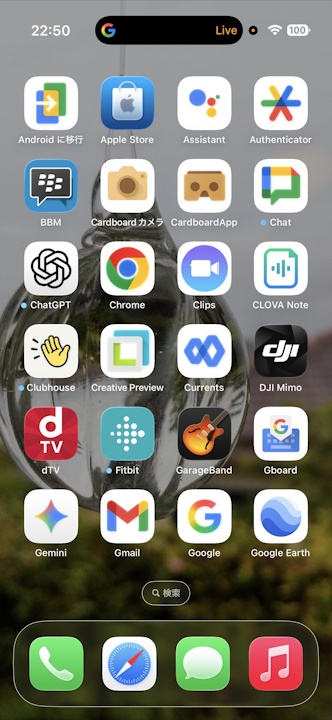
Note that the background continuation feature for “Search Live” on iOS can also be turned off via settings.

“Google” App Links

