




- The “Appearance” settings have begun rolling out widely for the Chrome app on Android.
- We have confirmed that the “Appearance” settings were widely released around the v146 update of the Android Chrome app, which began distribution in mid-March 2026.
- For large-screen Android devices only, a “Show bookmarks bar” toggle is also displayed.
Back in late December 2025, we reported that a new “Appearance” setting had been added to the Android version of Google Chrome.
However, it was initially only available to a subset of Android devices and not widely deployed. After several months, it appears that the “Appearance” settings for the Android Chrome app have finally begun a wider rollout.
We have confirmed that the “Appearance” settings became widely available around the time of the Chrome for Android v146 update, which began distribution in mid-March 2026.


The “Appearance” settings in the Android Chrome app consolidate previously separate settings: “Mode” and “Toolbar shortcut.” While the “Appearance” section itself is a new menu, its contents consist of these existing settings.
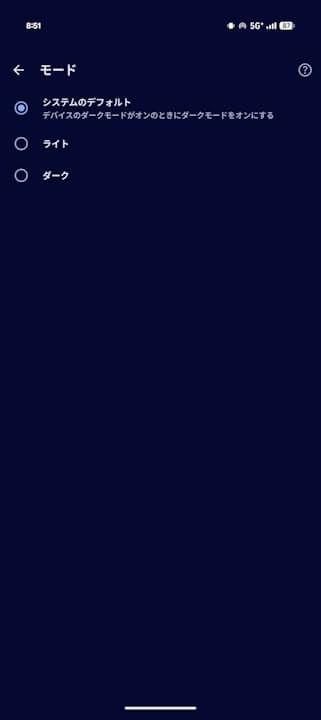

However, for large-screen Android devices such as the “Pixel 10 Pro Fold” or “Pixel Tablet,” a “Show bookmarks bar” toggle is also displayed. This toggle is truly the highlight of the “Appearance” settings.
While the “Show bookmarks bar” option is exclusive to large-screen displays, enabling it allows the bookmarks bar to appear below the address bar when in large-screen mode, providing a user experience similar to the desktop version of Chrome.
 jetstream.blog
“Chrome” App Link
