




- Google has released the March 2026 software update for the Google Pixel Watch 2, Pixel Watch 3, and Pixel Watch 4 series.
- The update primarily focuses on rolling out new features.
- Build numbers have been updated to “CP1A.260305.014.W2” and “CP1A.260305.014.W4” following the update.
On Tuesday, March 3, 2026, Google began rolling out its March 2026 software update for the second-generation Google Pixel Watch 2, third-generation Google Pixel Watch 3, and fourth-generation Google Pixel Watch 4.
The March 2026 software update for these three series primarily focuses on introducing new features. Following the update, the build numbers are updated to “CP1A.260305.014.W2” and “CP1A.260305.014.W4.”
| ■ Build Numbers |
| ・Bluetooth / Wi-Fi models: CP1A.260305.014.W2 ・4G LTE models: CP1A.260305.014.W4 |
The new features included in the March 2026 software update for the Google Pixel Watch 2, 3, and 4 are listed below. Please note that the update will be rolled out to Bluetooth/Wi-Fi models first, followed by a rollout to 4G LTE models. The update for 4G LTE models will be available at a later date.
| ■ “Express Pay” |
| 〇 Compatible models: Google Pixel Watch 2, Pixel Watch 3, Pixel Watch 4 ・A new “Express Pay” feature is being rolled out, allowing cashless payments without needing to open the Wear OS “Google Wallet” app beforehand. This feature is designed to detect the user’s intent to pay using advanced motion algorithms. Note that this requires prior opt-in and the watch must be unlocked. |
| ■ Wear OS “Find Hub” App |
| 〇 Compatible models: Google Pixel Watch 2, Pixel Watch 3, Pixel Watch 4 ・The Wear OS version of “Find Hub” is now available, allowing you to easily locate and identify lost devices and tagged items. |
| ■ Earthquake Alerts |
| 〇 Compatible models: Google Pixel Watch 2, Pixel Watch 3, Pixel Watch 4 ・The standalone “Earthquake Alerts” feature allows you to receive real-time notifications of nearby seismic activity directly on your Google Pixel Watch, even if it is not currently paired with an Android device. Wi-Fi or LTE connectivity is required to use this feature. Note that the Earthquake Alerts feature for Android/Wear OS is currently available only in select regions within the United States. |
| ■ Watch Disconnection Notifications |
| 〇 Compatible models: Google Pixel Watch 2, Pixel Watch 3, Pixel Watch 4 and Google Pixel devices (Pixel 8 and later) ・Receive a notification on your Google Pixel Watch when you leave your Google Pixel device behind and move away. To avoid unnecessary alerts, you will not be notified if you are still nearby despite the Bluetooth disconnection; notifications occur only when you move a significant distance away. This feature is turned off by default. ・How to set up: While your Google Pixel device and watch are connected via Bluetooth, go to the Google Pixel Watch app → Watch Preferences → Security → Watch disconnection notifications to enable it. |
| ■ “Lock phone when watch is disconnected” |
| 〇 Compatible models: Google Pixel Watch 2, Pixel Watch 3, Pixel Watch 4 and Google Pixel devices (Pixel 8 and later) ・Your Google Pixel device will automatically lock if your paired Google Pixel Watch goes out of Bluetooth range. You can unlock your phone using your standard authentication method. ・How to set up: While your Google Pixel device and watch are connected via Bluetooth, go to the Google Pixel Watch app → Watch Preferences → Security → “Lock phone when watch is disconnected” to enable it. |
| ■ “Trusted Places” via Google Pixel Watch |
| 〇 Compatible models: Google Pixel Watch 3, Pixel Watch 4 and Google Pixel devices (Pixel 8 Pro and later) ・When your Google Pixel Watch and Google Pixel device are connected, you can use the watch’s “Trusted Places” to expedite identity verification, allowing for smoother and more secure access to your phone. ※ Not available for Pixel 8, Pixel 8a, or earlier models. |
| ■ Expanded One-handed Gestures |
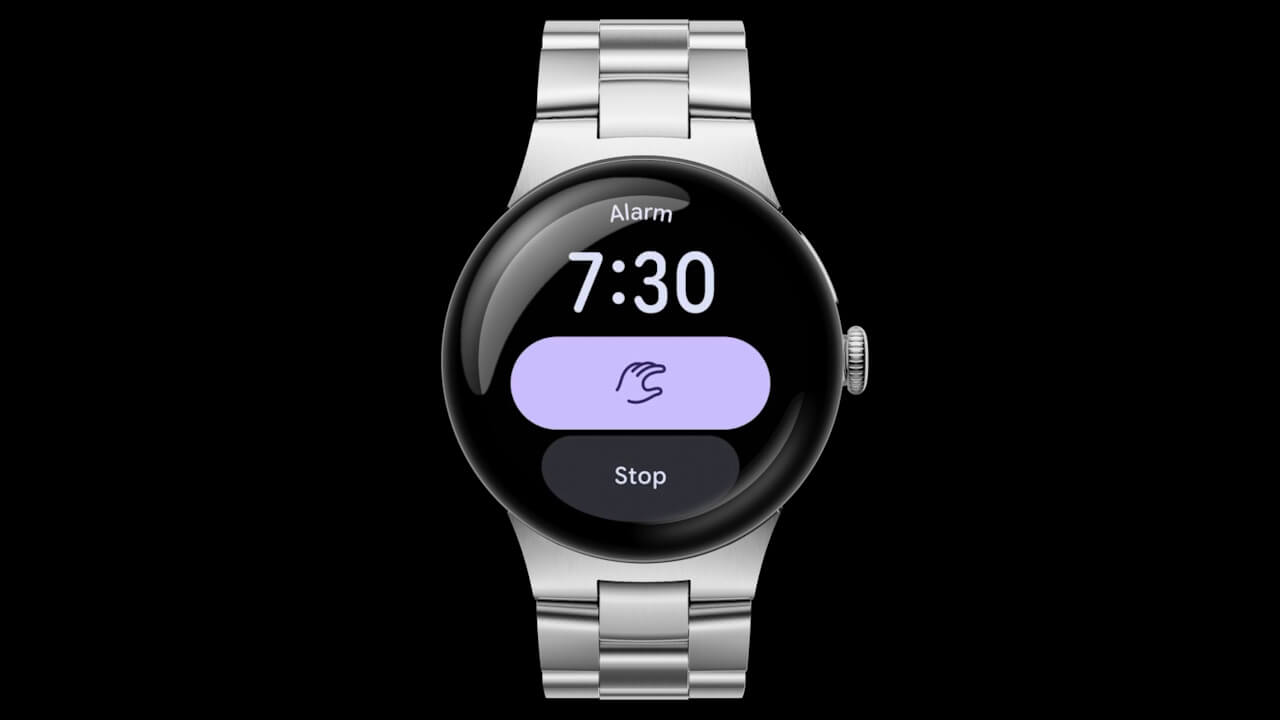
| 〇 Compatible models: Google Pixel Watch 3 ・One-handed gesture controls, previously exclusive to the Google Pixel Watch 4, are now available on the Google Pixel Watch 3. |
| ■ Expanded Regional Support for “Pixel Watch Satellite SOS” |
| 〇 Compatible models: Google Pixel Watch 4 ・”Pixel Watch Satellite SOS” is now available in select regions of Europe, Canada, Puerto Rico, Alaska, and Hawaii. |

 jetstream.blog
Software updates for the Google Pixel Watch series are delivered “Over the Air” (OTA). You can check for available updates by navigating to the Wear OS settings: [System] → [About] → [System updates].
- Tap [System] in the Wear OS settings.
- Tap [About]. Tap on [About] in the displayed menu.
- Tap [System updates]. Tap on [System updates] in the bottom right corner of the screen.
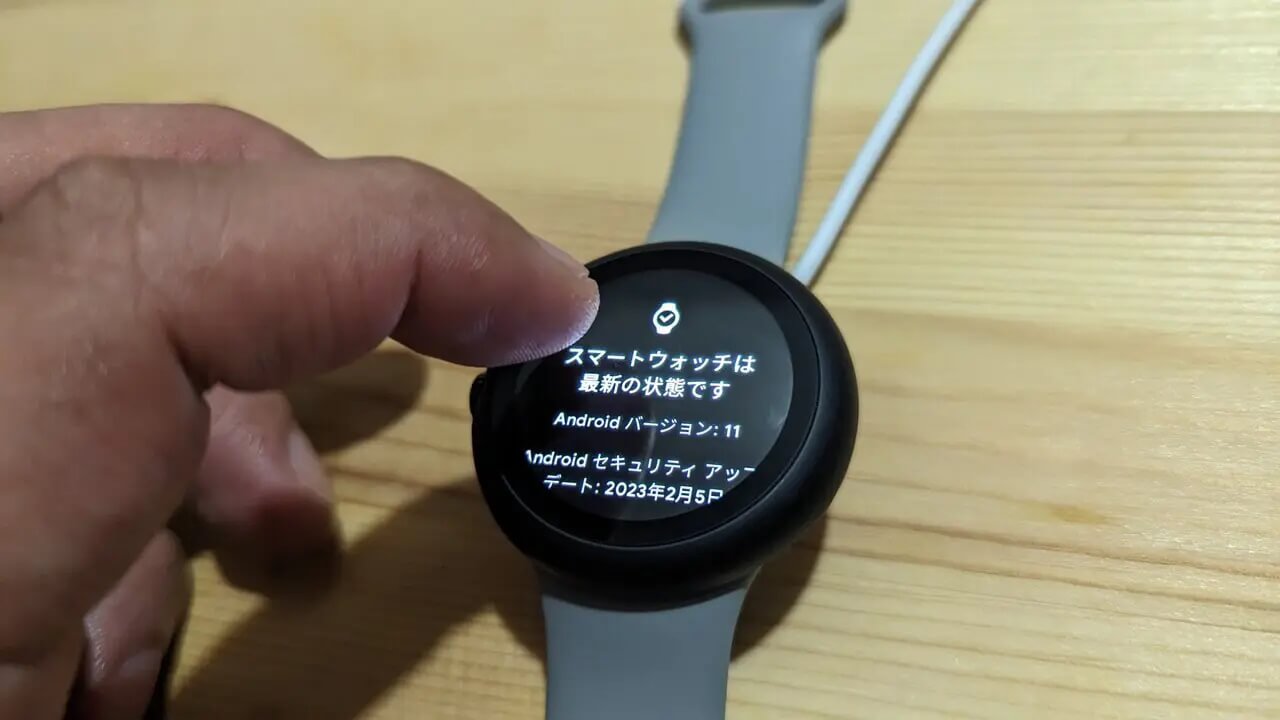
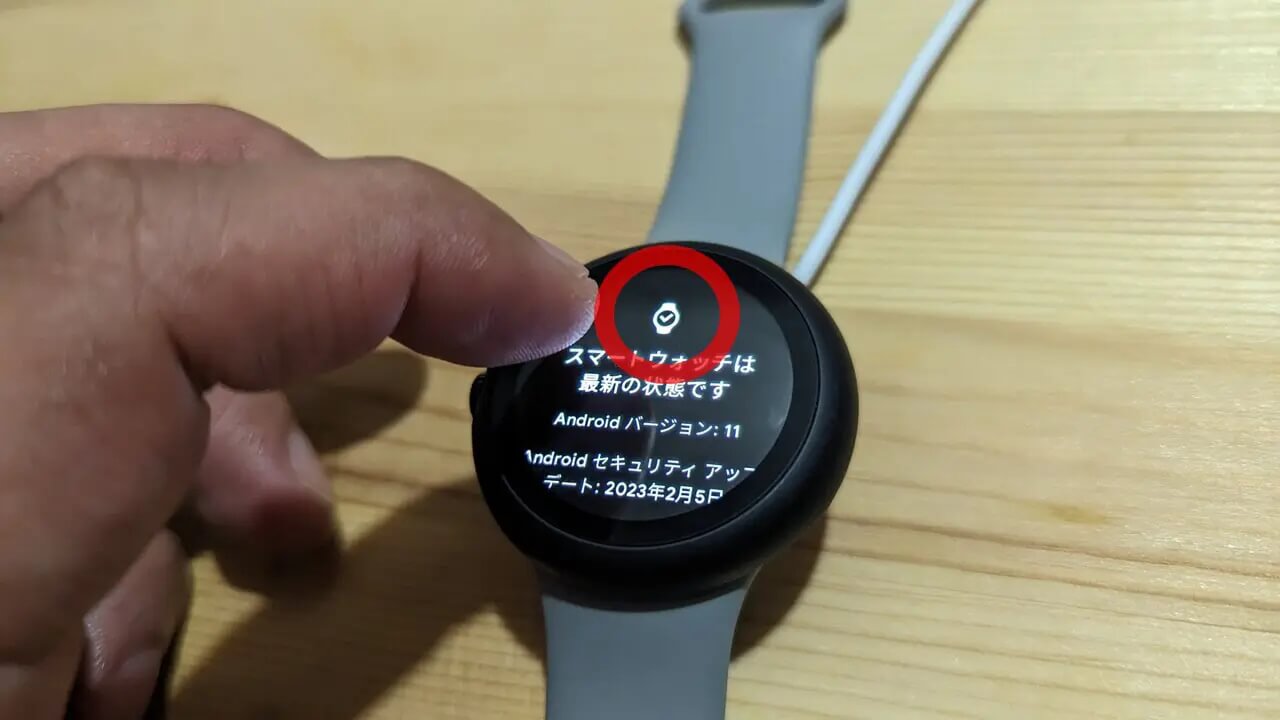
As a little trick, repeatedly tapping the watch icon on the [System updates] screen often triggers the update to appear relatively quickly. By the way, this method still works on the Google Pixel Watch 4.
Google Pixel Watch App Link

Source: Google