



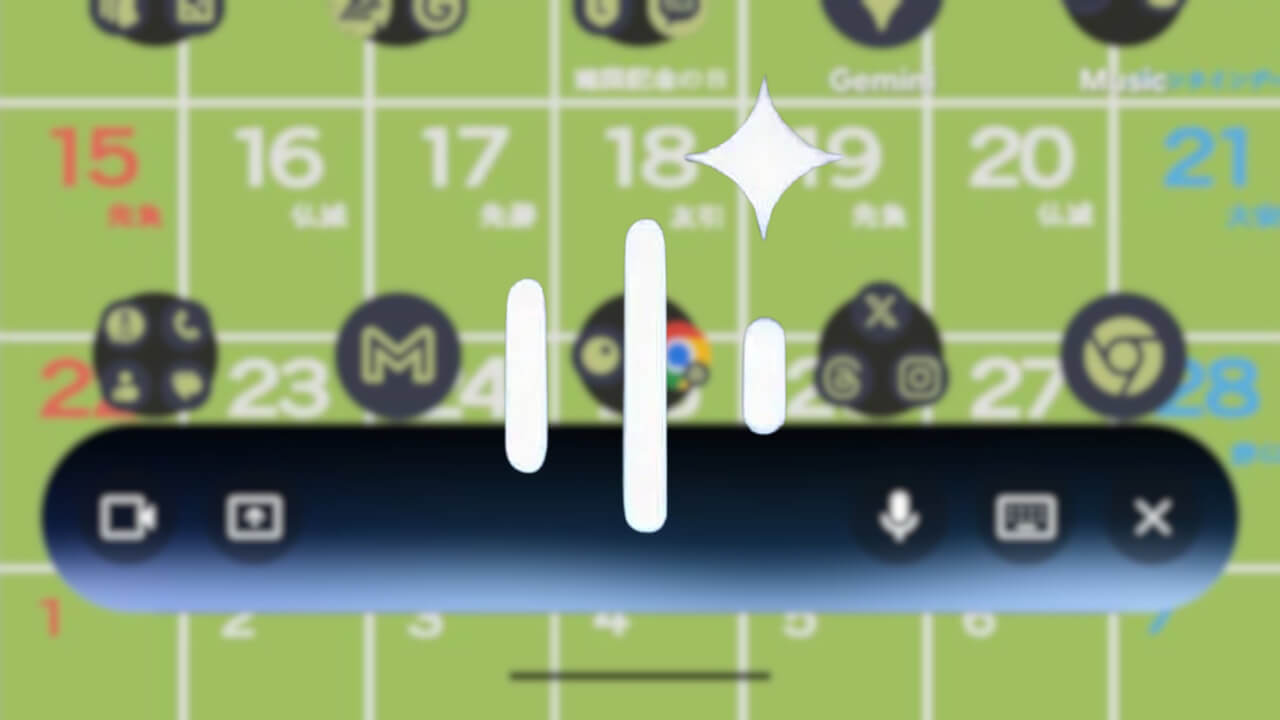

- A new UI for “Gemini Live,” Android’s intuitive conversation service, is rolling out from late February to early March 2026.
- The new interface being introduced to the Android version of “Gemini Live” is a “Floating UI.”
- This UI is applied when launching “Gemini” via gesture operations, such as long-pressing the power button, and then tapping “Gemini Live.”
A new UI has begun rolling out for “Gemini Live,” the intuitive conversation service within Google’s AI “Gemini” app for Android, between late February and early March 2026.
The new interface introduced to the Android version of “Gemini Live” is a “Floating UI.” This floating UI is applied when you launch “Gemini” using gesture operations like long-pressing the power button and then tap “Gemini Live.”
On the other hand, if you launch “Gemini Live” after opening the “Gemini” app via the app icon, it will continue to display in full-screen mode as before. This deployment of the floating UI for “Gemini Live” has been confirmed in version 17.7 or later of the “Google” app for Android for users enrolled in the beta program.
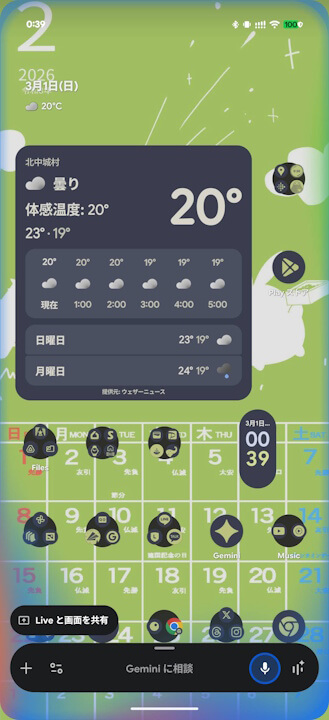
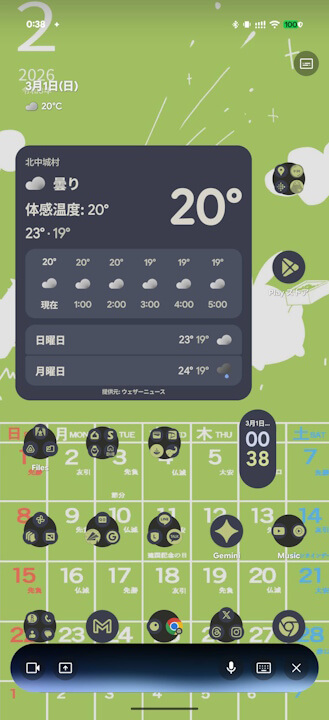
One slightly mysterious point is that when launching via the “Gemini Live” direct hotword “Hey Google, let’s talk,” the “Gemini” app launches with the floating UI, but then transitions to the full-screen version of “Gemini Live” rather than the floating one. While it’s possible that “Gemini Live” will fully adopt the floating UI in the future, the current rollout remains somewhat inconsistent.
“Google” App Link
