




- The “Nano Banana” button for Google’s image generation AI model has appeared on the home screen of the “Google” app for Android.
- This shortcut button provides direct access to “Nano Banana” integrated within “Google Lens.”
- Users can perform AI image generation based on objects being captured by the camera.
The “Nano Banana” button for Google’s image generation AI model has debuted on the home screen of the Android version of the “Google” app.
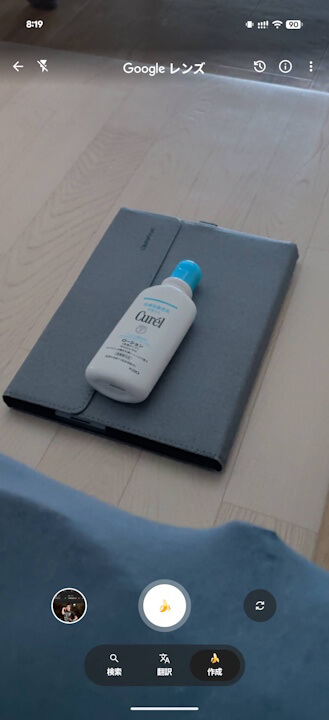
The “Nano Banana” button appearing on the “Google” app home screen for Android is a shortcut for directly using “Nano Banana” integrated into “Google Lens.” In other words, tapping the “Nano Banana” button launches the “Nano Banana” feature within “Google Lens.”
This allows you to perform AI image generation on objects captured through your camera.
 jetstream.blog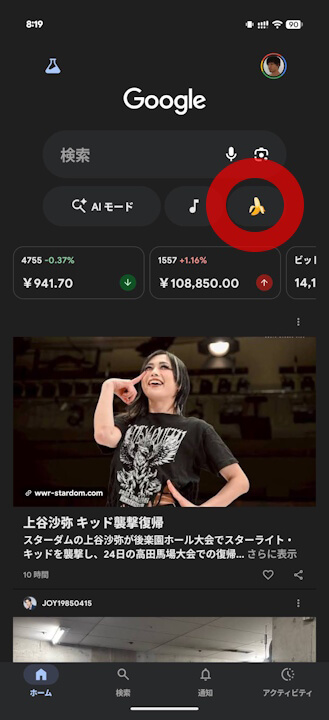
Incidentally, “Nano Banana,” Google’s image generation AI model, was originally just a codename coined by Google DeepMind Product Manager Naina Raisinghani during a late-night burst of inspiration. However, it has since transcended its codename status and is now widely embraced as the product name.

“Google” App Links

