




- Google has rolled out “Markup,” a new doodle-based image editing tool, for the “Gemini” app across Web, Android, and iOS.
- This is a new image editing feature powered by “Nano Banana,” the image generation AI integrated into Gemini.
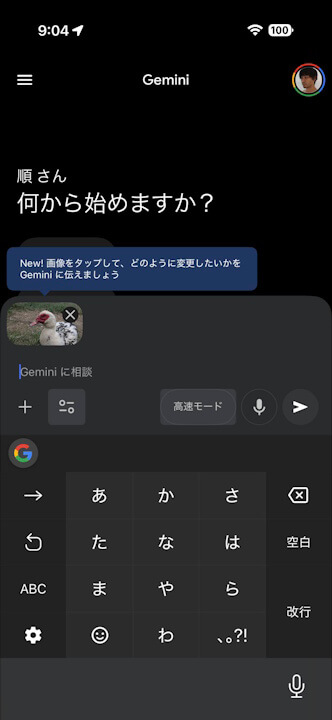
- By uploading an image to Gemini and tapping or clicking it, the “Markup” tool launches. Users can add drawings with a pen or circle specific areas while providing instructions; Nano Banana then recognizes the input and performs the appropriate image edits.
On Thursday, December 18, 2025, Google began rolling out “Markup,” a new doodle-based image editing tool, as a new feature for the Google AI “Gemini” app on Web, Android, and iOS platforms.
The “Markup” tool launched for the Web, Android, and iOS versions of the Gemini app is a new image editing capability powered by the integrated image generation AI, “Nano Banana.” When you upload an image to Gemini and tap or click on it, the Markup tool activates. By adding drawings with a pen or circling specific areas and providing instructions, Nano Banana recognizes the content and performs the appropriate image edits accordingly.
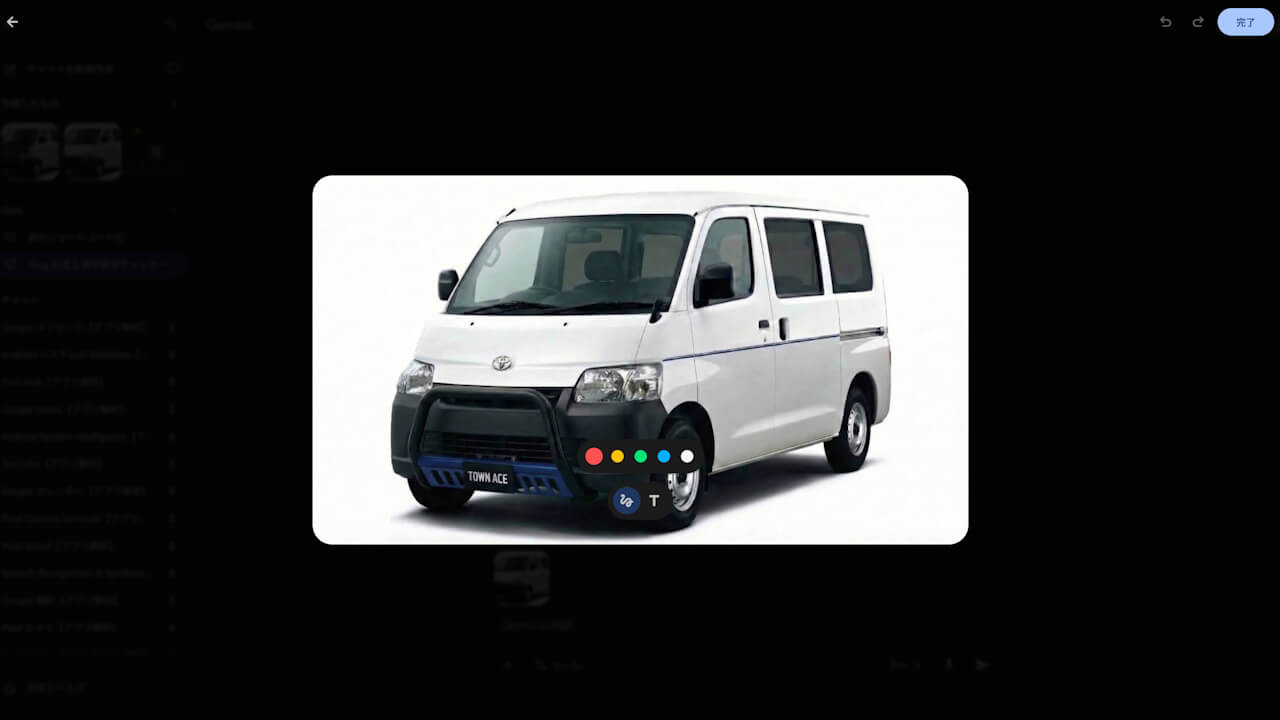
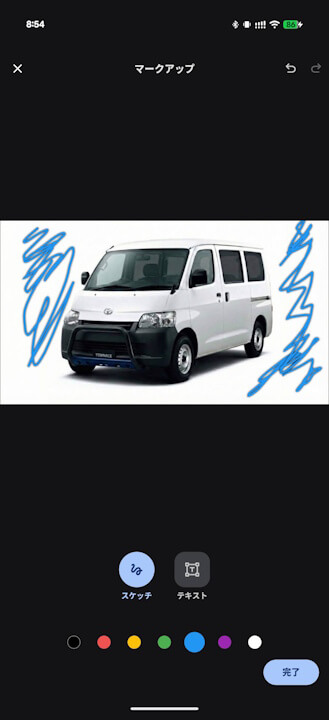
With Gemini’s “Markup” tool, for example, if you upload a photo of a person looking straight ahead and add an arrow, you can actually make the subject face in that direction. Markup offers a truly intuitive image editing experience.