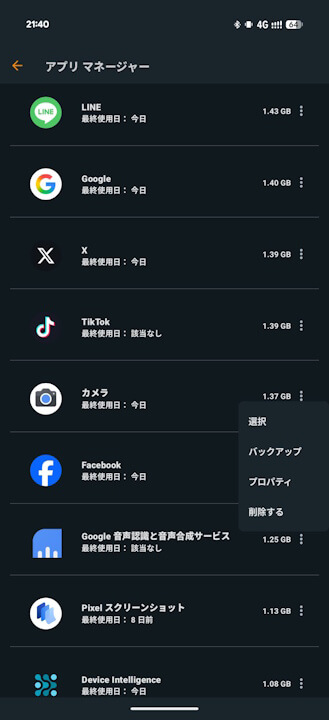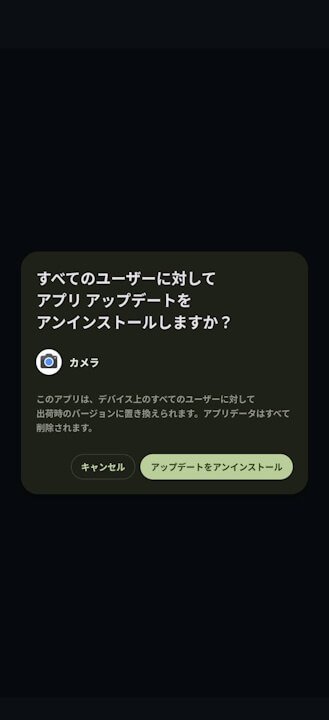

- It seems a minor specification change was recently made to the Google Play Store, the content store for Android.
- It is no longer possible to uninstall or “uninstall updates” for so-called system apps related to the Android system.
- Is this to curb the negative cycle of users, unaware of their purpose, uninstalling or “uninstalling updates” and then complaining in app reviews that their Android device no longer works properly?
It appears that a minor specification change was recently made to the Google Play Store, the content store for Android.
This change in the Android Google Play Store prevents the uninstallation or “uninstalling of updates” for what are known as system apps, which are related to the Android system. This includes not only system apps belonging to the “System Services” list, which are necessary for the Android platform to function correctly, but also apps belonging to GMS (Google Mobile Services) such as “Gmail,” “Chrome,” and “Google Calendar,” as well as the device’s default apps like “Pixel Camera” and “Android AICore.”
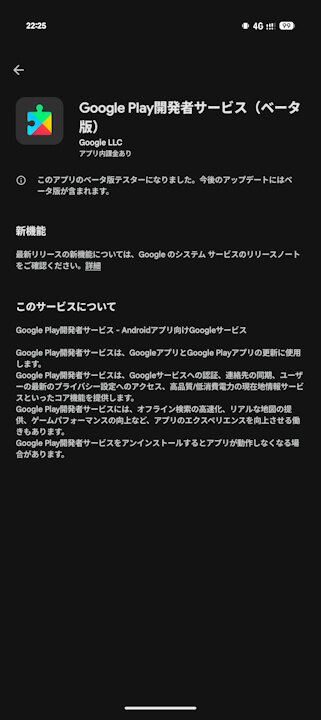
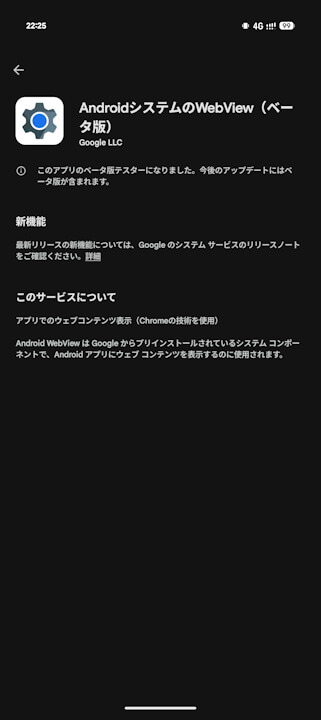
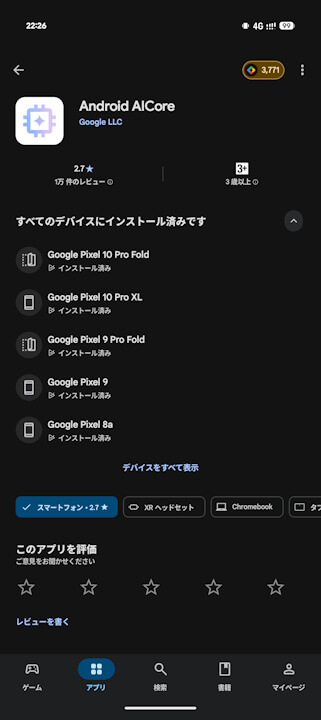
If you uninstall or “uninstall updates” for these system apps, your Android device may stop working correctly, and in a worst-case scenario, you might have to perform a factory reset. However, a negative cycle had emerged where users, unaware of the purpose of these apps, would uninstall them or their updates and then write complaints in app reviews about their devices no longer functioning properly.
It is presumed that Google has made it impossible to uninstall or “uninstall updates” for system apps to curb this negative cycle. The “System Services” feature itself was likely introduced with a similar intention in mind, but this time, the measures have become even stricter.
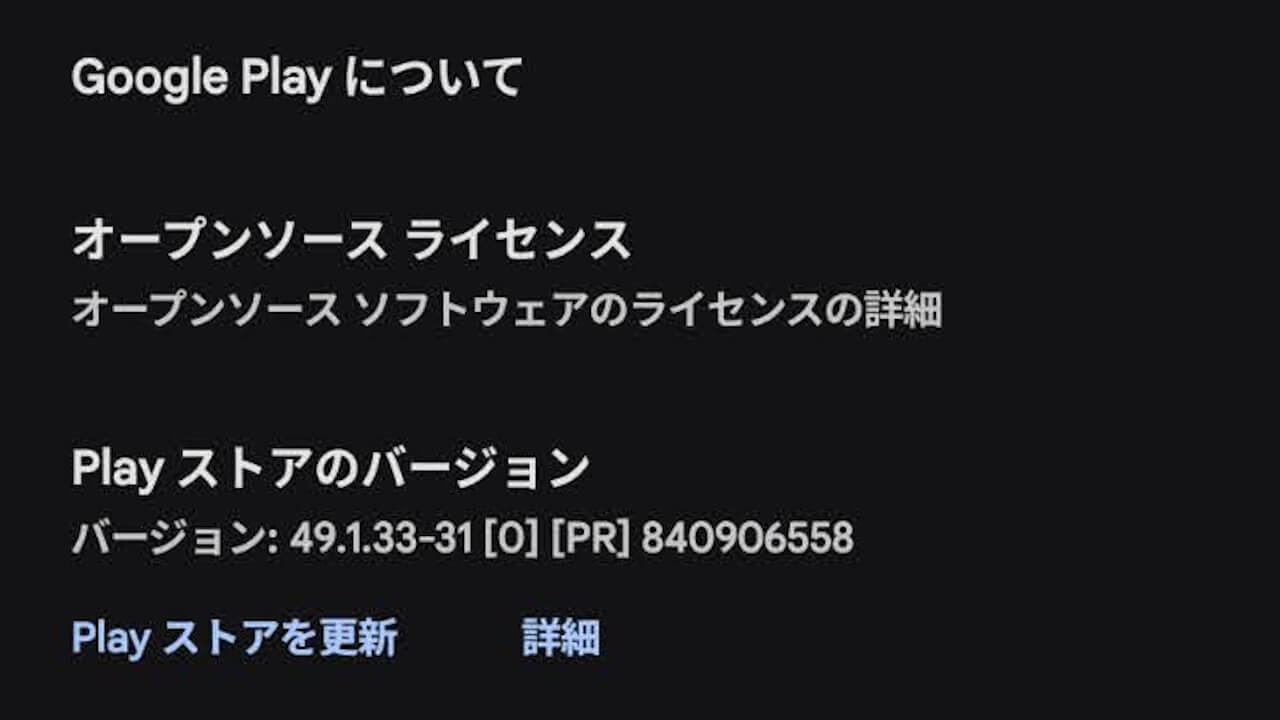
Incidentally, this change in the Android Google Play Store was implemented around version v49.1.33-31 of the Google Play Store app for Android.


However, it is still possible to delete system apps using third-party file manager apps like “ASTRO File Manager.” It’s unlikely that many beginners would go this far to delete system apps, but it’s worth mentioning just in case.