



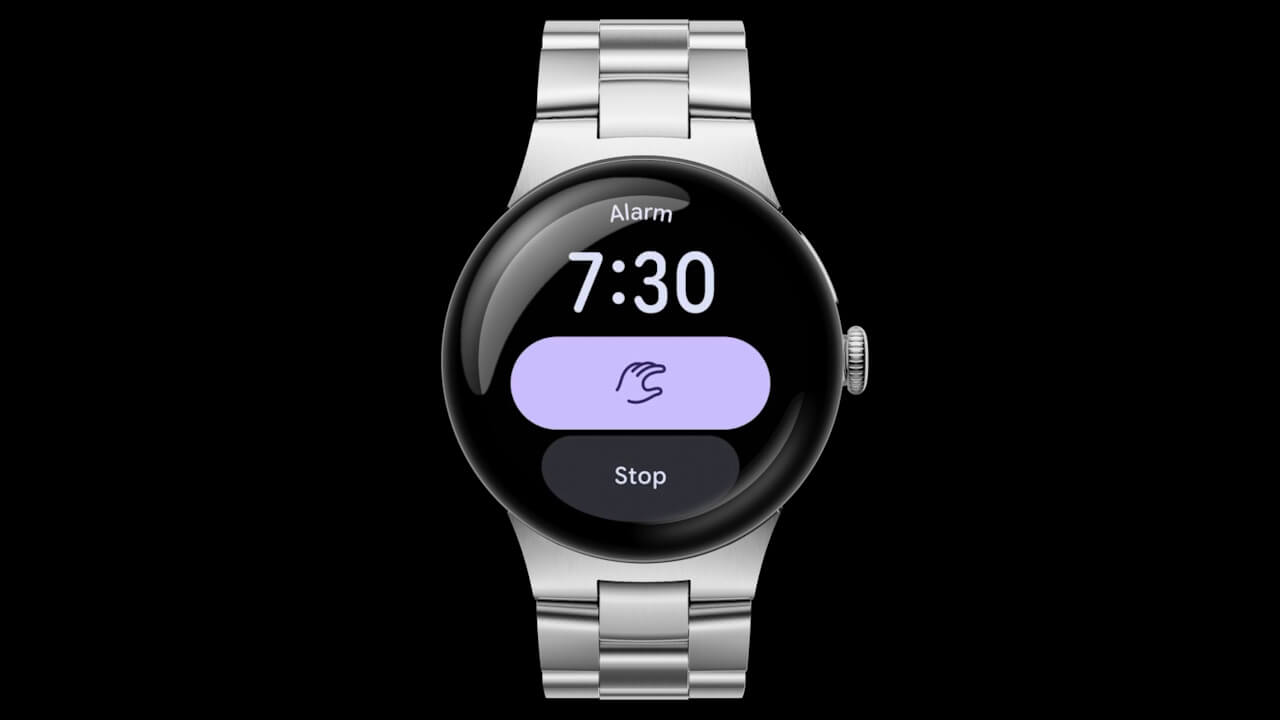

- Google announces new one-handed gesture controls, “Double pinch” and “Wrist turn,” rolling out as new features for the “Google Pixel Watch 4.”
- “Double pinch” is a gesture that allows you to perform various operations without touching the screen by tapping your index finger and thumb together twice on the hand wearing the “Google Pixel Watch 4.” These operations include scrolling through notifications, silencing notifications, snoozing alarms, controlling the timer/stopwatch, pausing music, selecting a smart reply, and answering/ending phone calls.
- The “Wrist turn” gesture allows you to silence or mark notifications as read.
On Tuesday, December 9, 2025, Google announced new one-handed gesture controls, “Double pinch” and “Wrist turn,” which will be rolled out as new features for the new-generation Google Pixel smartwatch, the “Google Pixel Watch 4.”
The “Google Pixel Watch 4’s” new “Double pinch” feature is a gesture that allows you to perform various operations without touching the screen by tapping your index finger and thumb together twice on the hand wearing the watch. These operations include scrolling through notifications, sending smart replies, controlling the timer/stopwatch, snoozing alarms, playing/pausing music, and taking a photo with the “Pixel Camera” app. Additionally, the “Wrist turn” gesture can be used to silence incoming calls/notifications or dismiss them.
A hint will be displayed on the screen when the “Double pinch” and “Wrist turn” gestures are available for use.
The new one-handed gesture controls, “Double pinch” and “Wrist turn,” announced for the “Google Pixel Watch 4,” will be rolled out with the December 2025 software update, which includes a minor OS update to Wear OS 6.1, released on Tuesday, December 9, 2025. Both one-handed gestures are enabled by default, but they can be turned off in the settings.


Source: Google