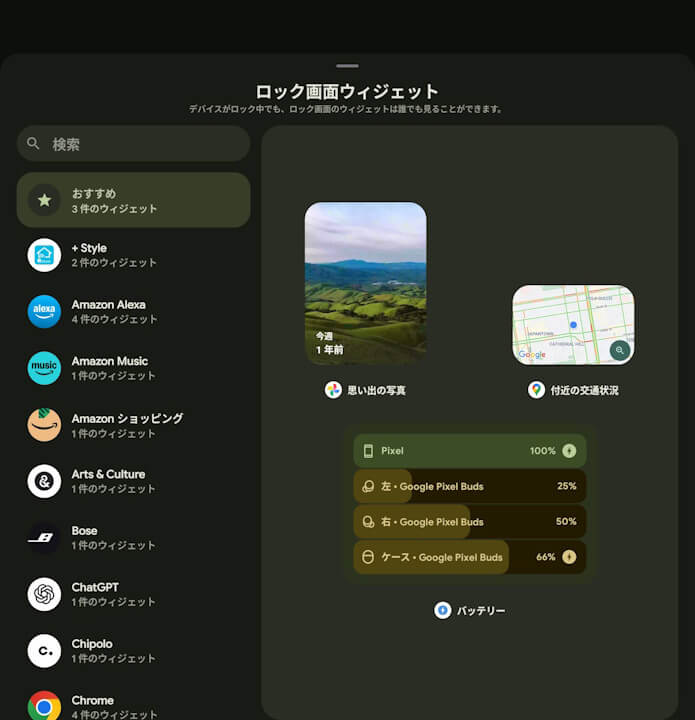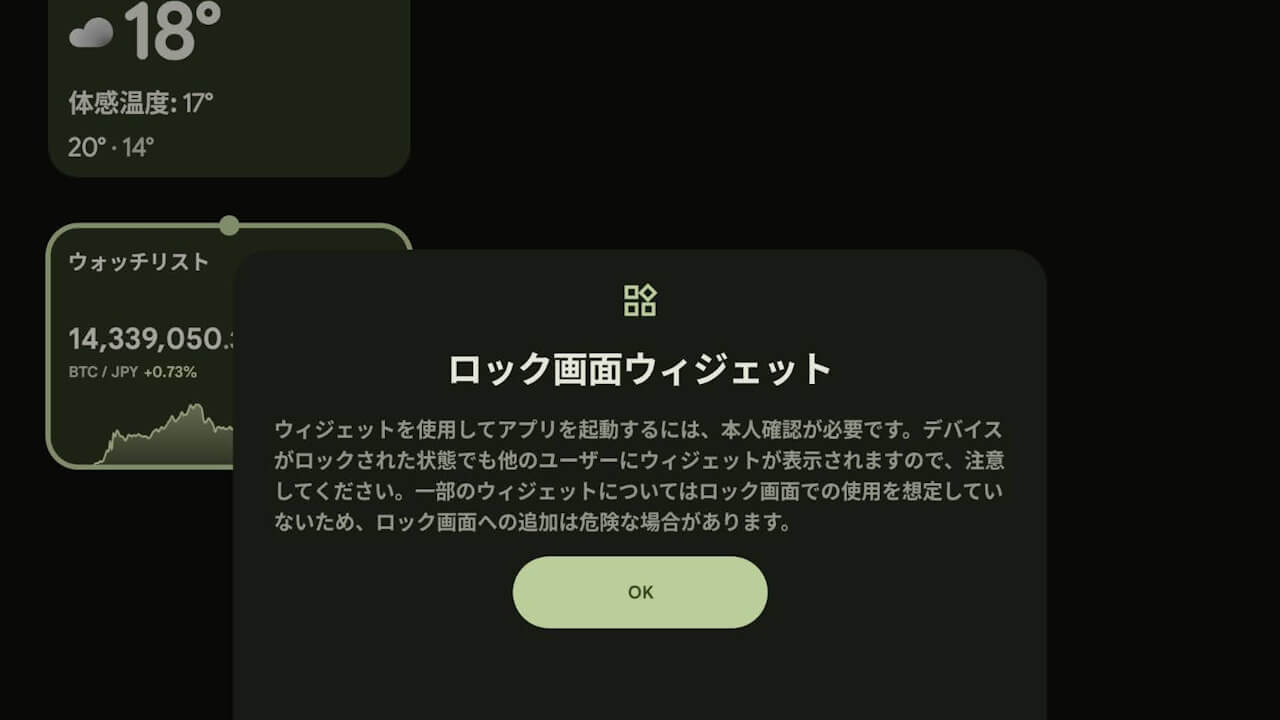
- “Lock screen widgets” have been quietly added to Google Pixel devices with the “Android 16 QPR2” update.
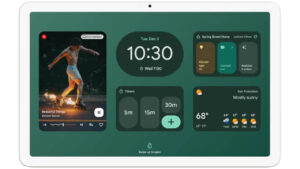
- “Lock screen widgets” is a feature similar to the one added to the Google Pixel tablet “Pixel Tablet” in the December 2024 “Pixel Drop,” exactly one year ago.
- The “Lock screen widgets” setting, located under “Display and tap” settings, must be turned ON.
On Tuesday, December 2, 2025, Google began rolling out its regular monthly software update for December 2025, which includes fixes for security vulnerabilities and feature enhancements, to Google Pixel devices from the “Pixel 6” series to the “Pixel 10” series, including the “Pixel Fold” and “Pixel Tablet,” running the new generation Android OS “Android 16.”
The December 2025 monthly software update, which has started rolling out to Google Pixel devices, is the release of the “Android 16 QPR2” minor OS update for the major “Android 16” update that was released on Tuesday, June 10, 2025. It deploys Android security patch updates, bug fixes and improvements, and several new features.
 jetstream.blog
However, it appears that a new, unannounced feature has also been quietly rolled out. This new feature, quietly deployed to Google Pixel devices, is “Lock screen widgets.”
“Lock screen widgets” is a feature similar to the one added to the Google Pixel tablet “Pixel Tablet” in the December 2024 “Pixel Drop” exactly one year ago. As the name suggests, “Lock screen widgets” is a feature that allows you to place widgets on the lock screen.
Specifically, while the device is on the lock screen but still locked, swiping left on the screen will display the widgets you have placed beforehand.
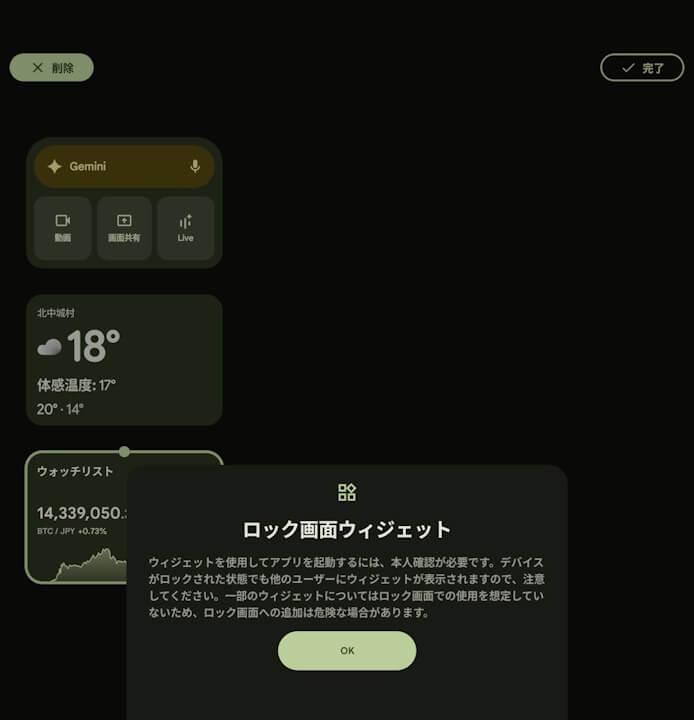
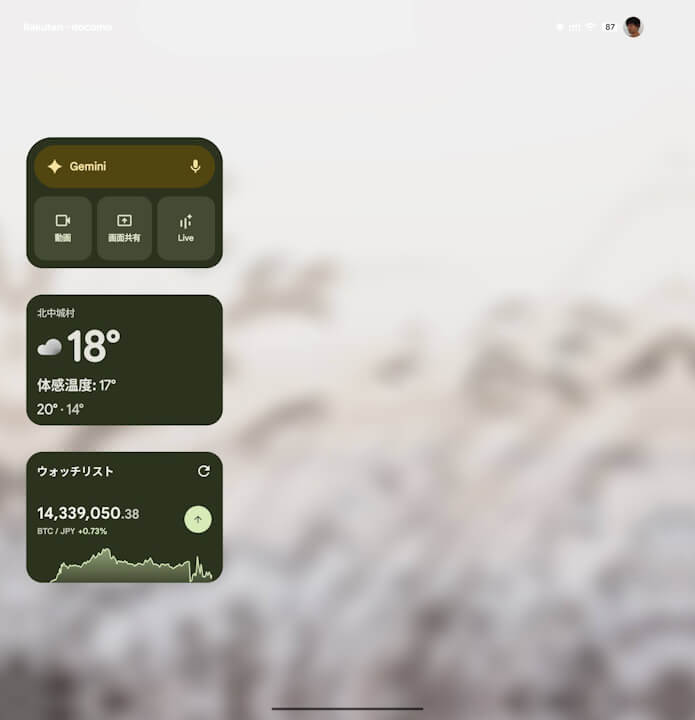
However, to use “Lock screen widgets,” you must turn on the “Lock screen widgets” setting, which is located under the “Display and tap” settings.
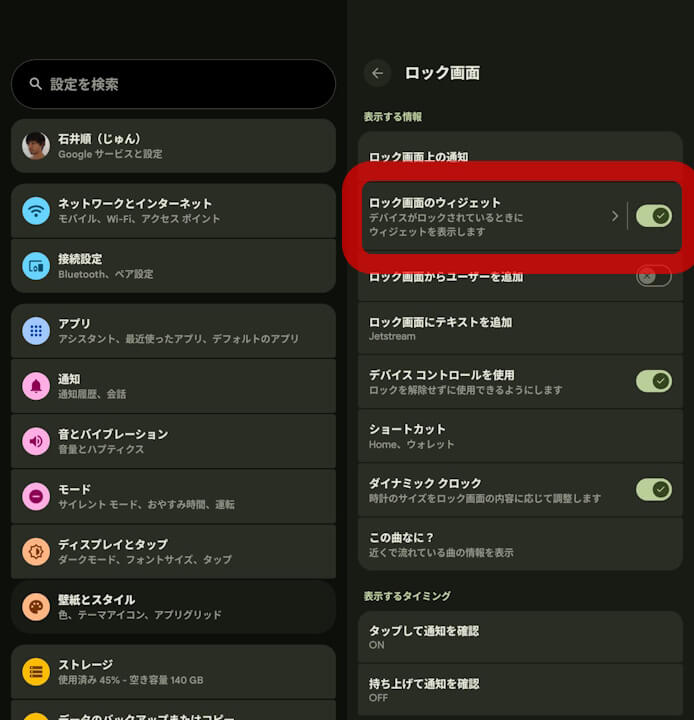
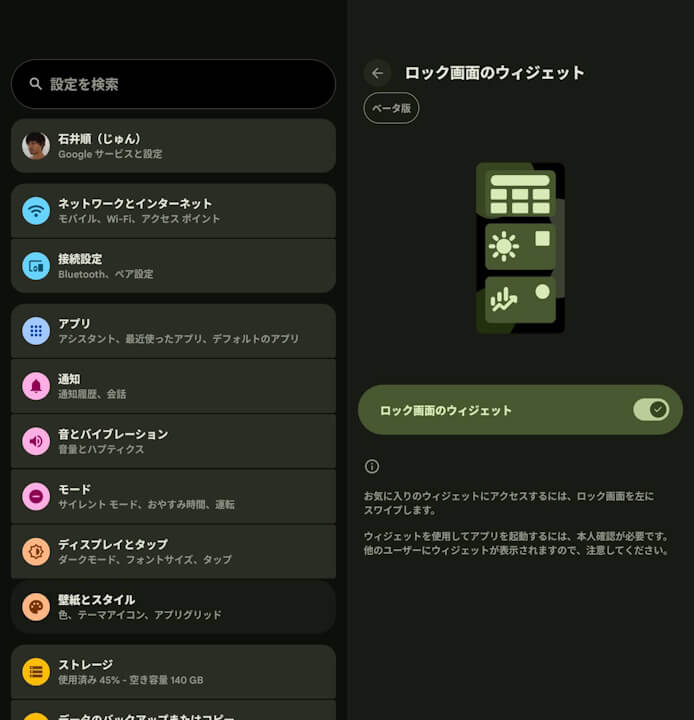
As its name suggests, “Lock screen widgets” is a feature that allows you to view widgets placed on the lock screen directly from it. This means the widgets are displayed without unlocking the device, so it is not recommended to place widgets that contain private information. Please be aware of this.