



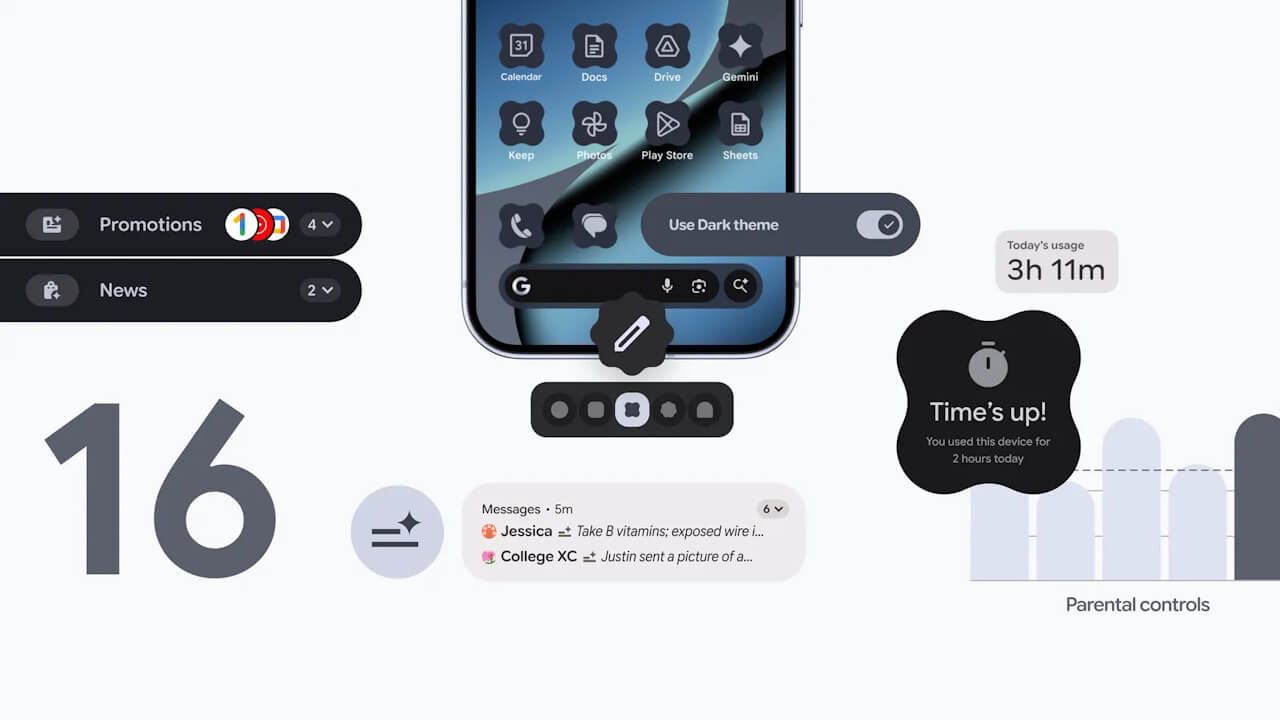

- Google is rolling out the December 2025 monthly software update, which includes the usual security vulnerability patches and feature enhancements, for Google Pixel devices from the “Pixel 6” series to the “Pixel 10” series, including “Pixel Fold” and “Pixel Tablet,” running the new generation Android OS “Android 16.”
- The release of “Android 16 QPR2,” a minor OS update to the “Android 16” major update.
- New features rolling out with “Android 16 QPR2” have been announced: two notification features, “AI-powered notification summaries” and “Notification organizer”; new custom style settings such as “Extended” options for “Icons,” “Themed icons,” and “Dark mode”; and a new “Parental controls” setting that also includes a link to the “Google Family Link” app.
On Tuesday, December 2, 2025, Google began distributing the December 2025 monthly software update, which includes the usual security vulnerability patches and feature enhancements, for Google Pixel devices from the “Pixel 6” series to the “Pixel 10” series, including the “Pixel Fold” and “Pixel Tablet,” running the new generation Android OS “Android 16.”
The December 2025 monthly software update now rolling out to Google Pixel devices is the release of “Android 16 QPR2,” a minor OS update to the “Android 16” major update released on Tuesday, June 10, 2025. It includes Android security patch updates, bug fixes/improvements, and several new features.


The new features rolling out with “Android 16 QPR2” include two notification features, “AI-powered notification summaries” and “Notification organizer”; new custom style settings such as “Extended” options for “Icons,” “Themed icons,” and “Dark mode”; and a new “Parental controls” setting that also includes a link to the “Google Family Link” app.
Two Notification Features
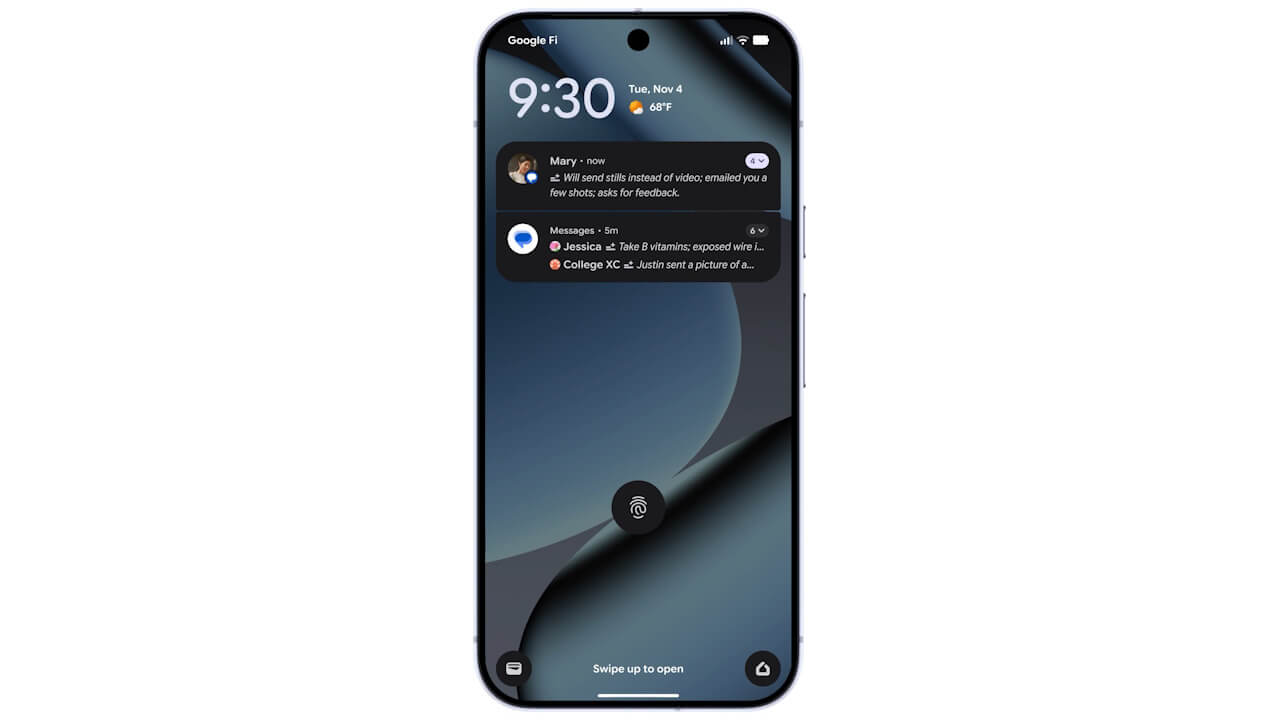
With “Android 16 QPR2,” two new notification-related features, “AI-powered notification summaries” and “Notification organizer,” are being rolled out.
“AI-powered notification summaries” is a feature that summarizes long messages and other content into an easy-to-understand notification at a glance. “Notification organizer” automatically groups low-priority notifications such as promotions, news, and social media alerts to reduce clutter.
New Custom Style Settings
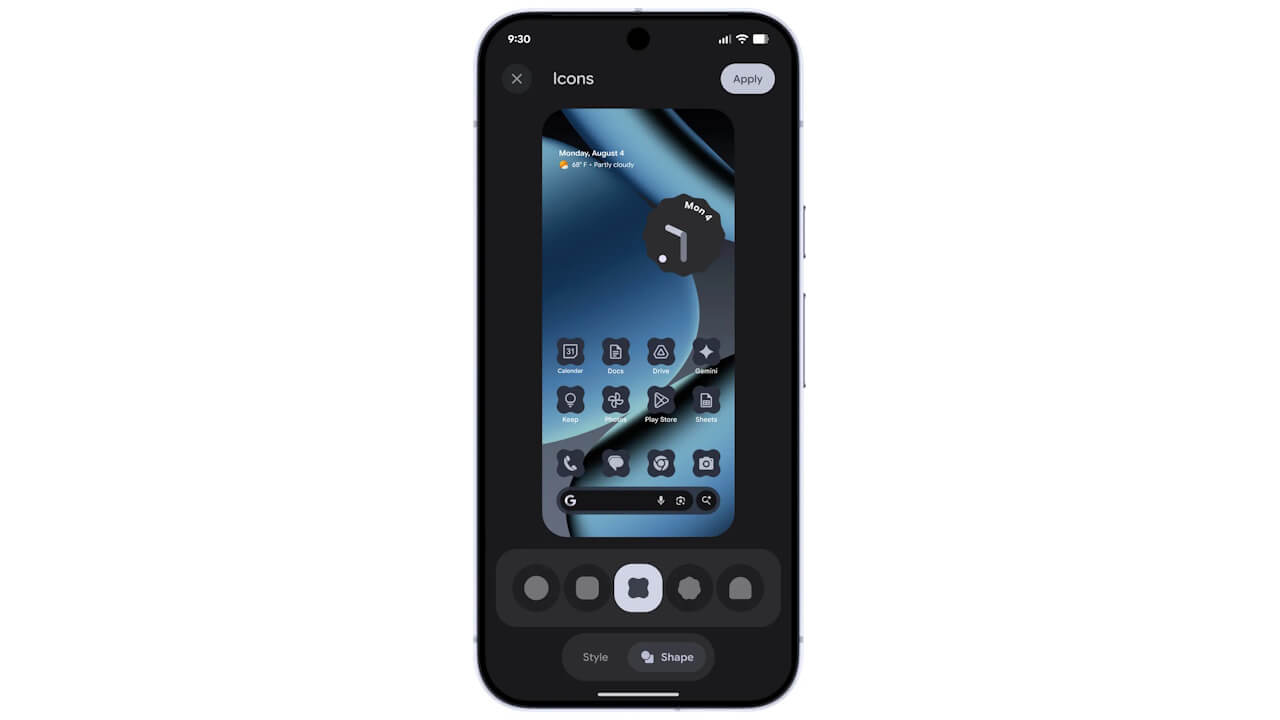
With “Android 16 QPR2,” new custom style settings are being rolled out, including “Extended” options for “Icons,” “Themed icons,” and “Dark mode.”
“Icons” is a custom style setting that allows you to choose the shape of your app icons from [Circle], [Square], [Squircle], [Teardrop], or [Arch]. By default, [Circle] is selected. “Themed icons,” a feature that changes the color scheme of UI elements like app icons and widgets to match the wallpaper’s color palette, has been available for some time, but with “Android 16 QPR2,” it now applies to all apps, including those that previously did not support “Themed icons.”
Similarly, the “Extended” option for “Dark mode” will automatically apply “Dark mode” to apps that do not natively support it.
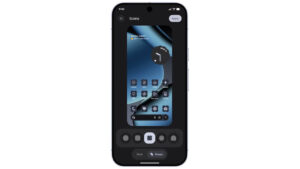
New “Parental controls”

With “Android 16 QPR2,” a new “Parental controls” setting is being rolled out, which also includes a link to the “Google Family Link” app.
In the “Parental controls” settings, when giving a Google Pixel device to a child, parents can set “Daily time limits,” “App limits,” “Bedtime,” and “Website content filters,” and lock these settings with a 4-digit PIN to prevent unauthorized changes. Furthermore, a link to the “Google Family Link” app has been added for easy access, allowing parents to check their child’s device usage and manage settings like “School time,” app purchase approvals, and location alerts.

Source: Google